some seconds to activate the
appliance.
2. Turn the programme dial to the
desired washing programme. The
display shows the default
temperature and spin. If necessary,
change them according to your
laundry. The display also shows the
maximum recommended load for
washing phase.
3. Set the desired options, if there are
available.
4. Touch the Mode button once to
activate also the drying function. The
LAVAGE and SÉCHAGE indicators
come on. The indicators and
appear on the display.
The display also shows the maximum
recommended load for a washing
and drying programme (e.g. 6 kg for
cottons).
5. Open the door and load the laundry
one item at a time. On the display the
weight of the laundry is updated by
steps of kg 0.5 and the programme
duration is updated accordingly.
6. Close the door.
7. Put the detergent and the additives in
the appropriate compartment.
When drying a large laundry
load, make sure that the
garments are not rolled up
and that are uniformly
distributed in the drum.
At the beginning of the
drying cycle (3 - 5 minutes),
a slightly higher noise can
be heard. This is caused by
the compressor and it is
quite normal for compressor
powered appliances such as
refrigerators, freezers and so
on.
13.2 Washing and Drying -
Automatic levels
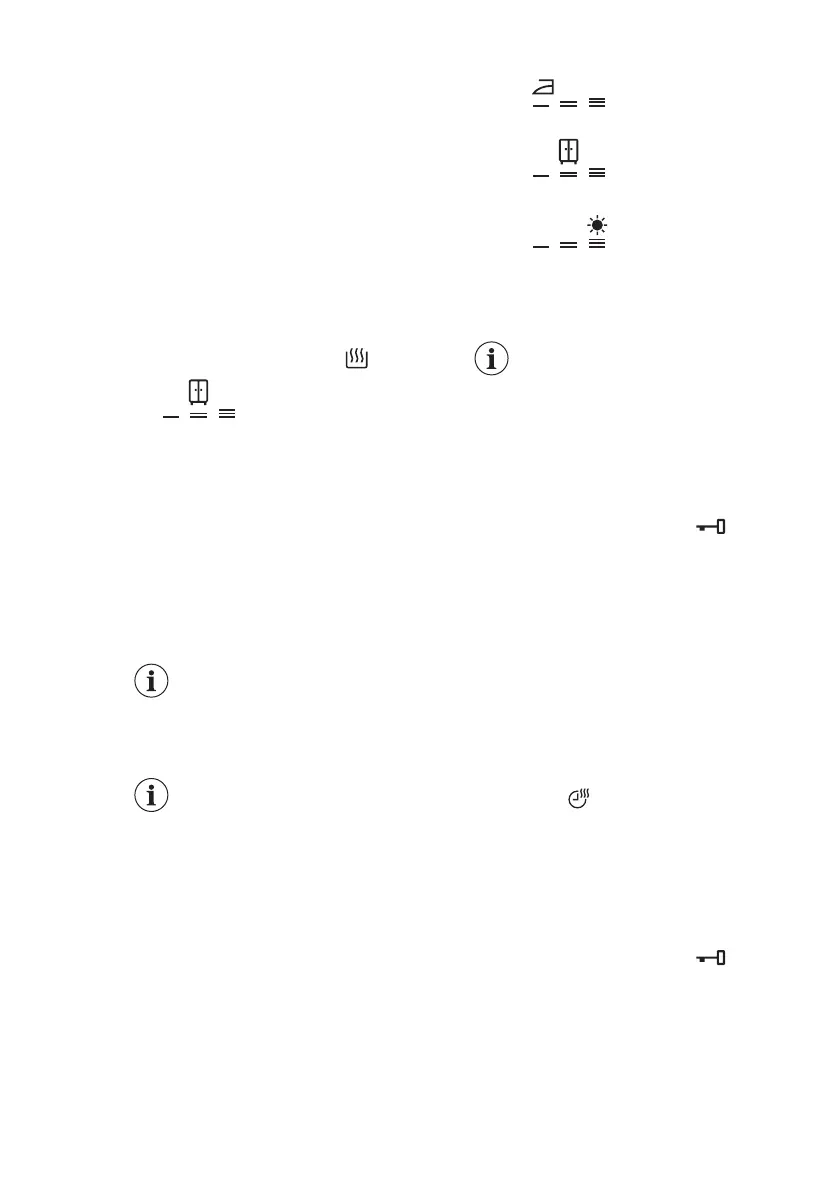
1. Tap on the Niveau séchage button
repeatedly until the display shows the
required dryness level. The indicators
in the display illuminate accordingly:
a.
Iron dry: for cotton
items;
b. Cupboard dry: for
cotton and synthetic items;
c. Extra dry: for cotton
items.
The time value on the display is the
duration of both cycles washing and
drying.
To have a good drying by
using less energy and in a
shorter time, the appliance
does not let you set a too
low spin speed for the items
to be washed and dried.
2. Touch button Départ/Pause to start
the programme. The ProSense
estimation starts.
In the display the door locked
indicator goes on, the indicator of the
running phase starts flashing.
The display also shows the remaining
programme time.
13.3 Washing and Timed
Drying
1. Tap on the button Minuterie
repeatedly to set the desired time
value (see the "Timed drying" table
the "Programmes" chapter). The
drying level indicator goes off and the
indicator comes on.
The minimum timed drying is 10 minutes.
Each time you tap on this button the time
value increases by 5 minutes. The
display shows the set new time value.
2. Touch the Départ/Pause to start the
programme. The ProSense
estimation starts.
In the display the door locked
indicator comes on and the indicator of
the running phase starts flashing.
The display also shows the remaining
programme time.
ENGLISH 37



 To Next Page