EasyManua.ls Logo

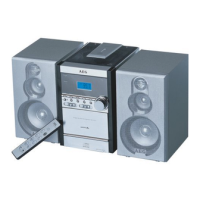
AEG MC 4448 DVD - User Manual

AEG MC 4448 DVD
74 pages
Go to English
Print Icon
To Next Page IconTo Next Page
Loading...
Bedienungsanleitung/Garantie
Instruction Manual
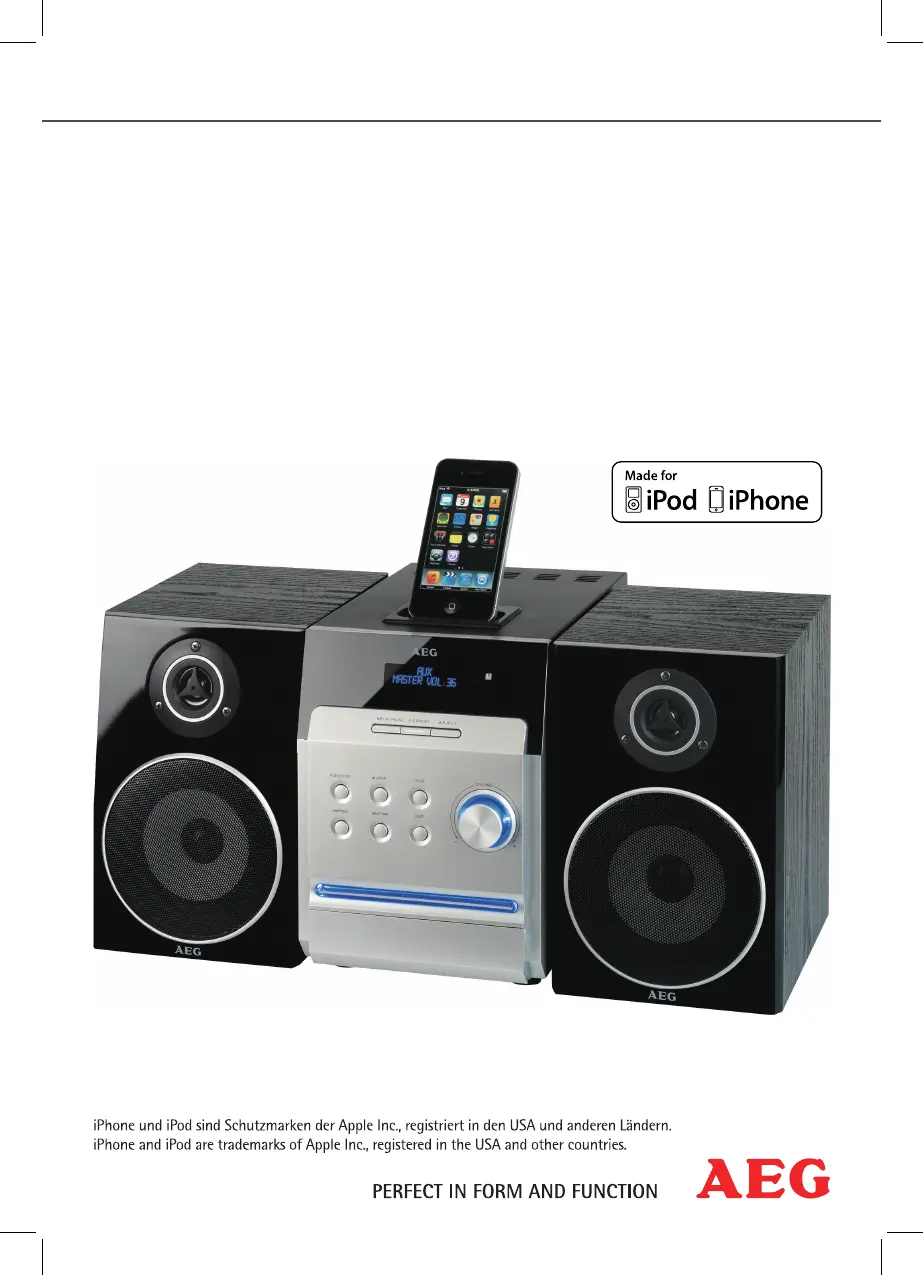
Musik-Center mit DVD für iPhone/iPod
Music Center with DVD for iPhone/iPod
MC 4448 DVD

Questions and Answers

  • T
    Theresa HillAug 17, 2025
    Why is the power supply light not working on my AEG Stereo System?
    • F
      foxmiguelAug 17, 2025
      If the power supply light on your AEG Stereo System isn't lighting, it could be due to: * No power supply: Ensure the mains plug is correctly inserted. Check if the socket is working by testing it with another appliance. * The mains switch being off: Switch the player on using the mains switch (Fig. 2/17).
  • A
    Adam FoxAug 26, 2025
    How to fix no picture through HDMI on AEG Stereo System?
    • J
      Jacqueline McculloughAug 26, 2025
      If you're not getting a picture through HDMI on your AEG Stereo System, it could be because the HDMI option has been switched to “Off“ in the Setup menu. To resolve this, connect the device to your TV with a Scart cable and change the HDMI option in the Setup menu to “On“. If you do not have a Scart cable: 1. Open the CD/DVD tray in DVD mode. 2. Press the SETUP button. 3. Press the following buttons in sequence: 2x Cursor button, 6x Cursor button, 1x PLAY/ENTER button, 1x Cursor button, 1x Cursor button, 1x PLAY/ENTER button.
  • B
    Benjamin HillSep 2, 2025
    What to do if AEG Stereo System has no response when pressing button?
    • M
      Maureen MitchellSep 2, 2025
      If your AEG Stereo System is not responding when you press a button, the issue might be due to a power supply problem or static charging of the appliance. To resolve this, switch off the main switch, pull out the mains plug, then re-insert the mains plug into the socket and switch the player back on.
  • S
    Stacie EnglishNov 10, 2025
    What to do if there is no image displayed on the screen of my AEG Stereo System?
    • F
      foleywyattNov 10, 2025
      If no image is displayed on the screen of your AEG Stereo System, consider these potential causes: * The video cable might not be correctly connected. Ensure it's properly connected as described in the “Connecting the Video cable“ section and that the jacks are tightly secured in the sockets. * There might be no CD/DVD inserted. Insert a CD/DVD. * The inserted DVD/CD may not be compatible. Use only compatible media, as specified in the “Technical Data“. * The DVD/CD might be incorrectly placed in the CD/DVD tray. Try turning the CD/DVD around. * The CD/DVD could be dirty. Clean the CD/DVD. * The CD/DVD might be damaged. Use a different CD/DVD. * The settings may be incorrect. Check the settings of your DVD-Player. * The child lock system could be activated. Deactivate the ...

AEG MC 4448 DVD Specifications

General IconGeneral
BrandAEG
ModelMC 4448 DVD
CategoryStereo System
LanguageEnglish

Related product manuals