its symbol appears on the display or the led above the
corresponding button lights up.
8.7 Child lock option
The child lock can be set to prevent children from playing with the
appliance. The child lock option locks all touch buttons and the
program dial (this option does not lock the On/Off button).
You can activate the child lock option:
• before you touch the Start/Pause button - the appliance cannot
start
• after you touch the Start/Pause button - programs and option
selection is unavailable.
Child lock option activation:
1. Turn the dryer on.
2. Select 1 of the available programs.
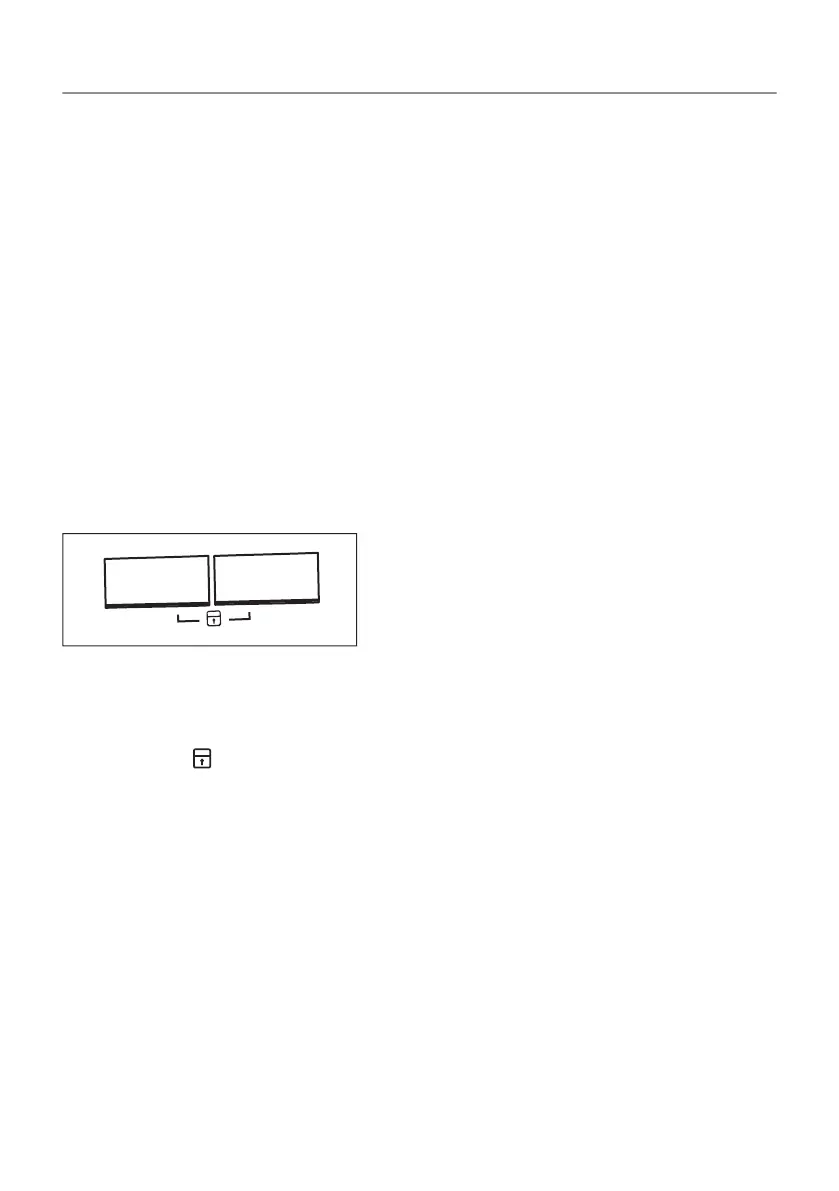
3. Touch and hold down 2 buttons at the same time.
The symbol appears on the display.
4. To deactivate the child lock, touch the above buttons again until
the symbol disappears.
26/52
DAILY USE


 To Next Page