Problem Possible cause Solution
DEMO appears on the display. The appliance is in the demonstra‐
tion mode.
To exit the demonstration mode,
press and hold the OK button for ap‐
proximately 10 seconds until you
hear a long sound and the display
turns off for a short time.
A or or symbol is shown
instead of numbers on the tempera‐
ture display.
Temperature sensor problem. Contact the nearest Authorized
Service Centre. The cooling system
will continue to keep food products
cold, but temperature adjustment
will not be possible.
If the advice does not lead to the desired
result, call the nearest Authorized
Service Centre.
8.2 Closing the door
1. Clean the door gaskets.
2. If necessary, adjust the door. Refer to
installation instructions.
3. If necessary, replace the defective door
gaskets. Contact the Authorised Service
Centre.
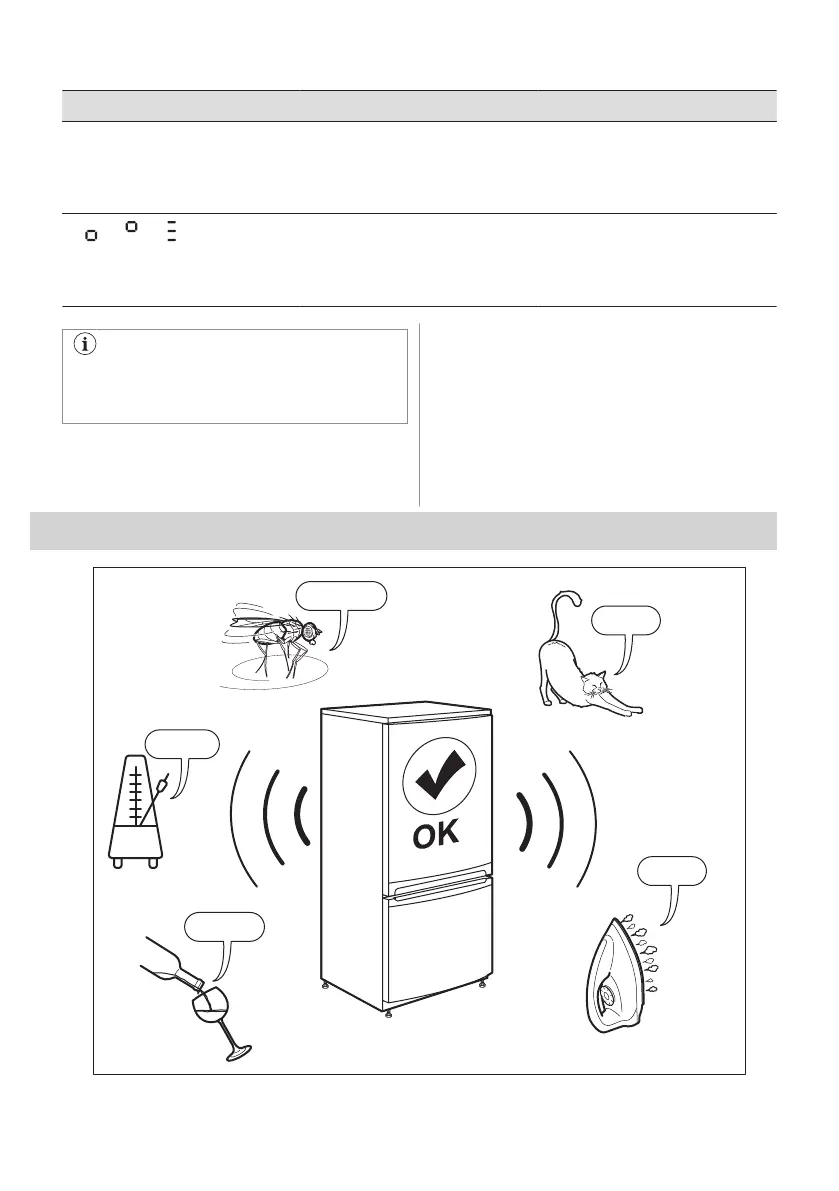
9. NOISES
SSSRRR!
CLICK!
HISSS!
BRRR!
BLUBB!
ENGLISH 15




 To Next Page