8
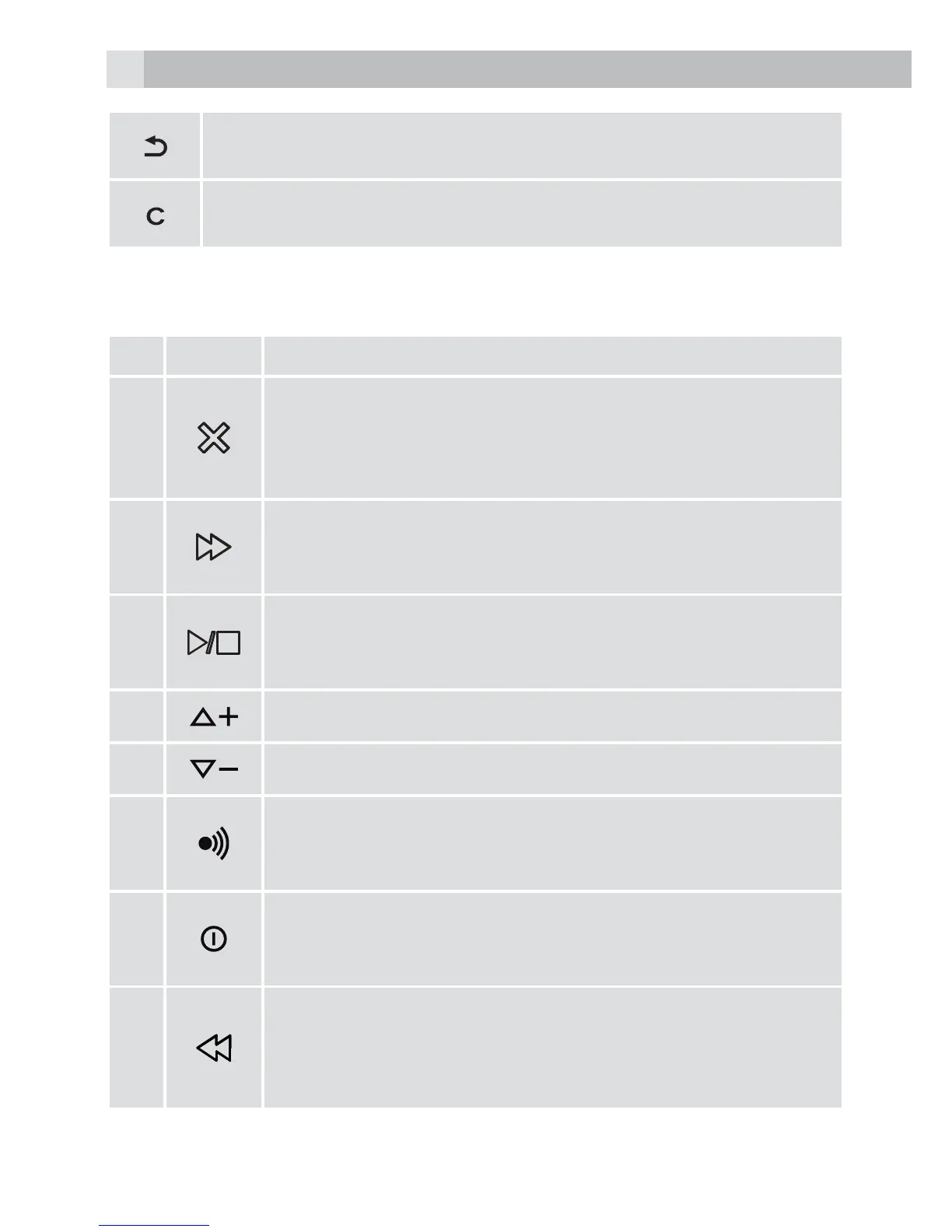
Right soft key function. Press to go back to the previous menu
(back) level or cancel the current action.
Right soft key function. Press the alarm, or mute/unmute the
microphone during a call.
5.3 Base station with telephone answering machine (TAM) control
(see P4)
# Meaning
9
Delete
Press once to delete the message during playback.
In idle mode, press and hold to delete all the old
messages.
10
Skip forward
Press to skip the current message and play the next
message.
11
Play/stop
Press to play messages.
Press to stop the message playback.
12
Press to increase the playback volume.
13
Press to decrease the playback volume.
14
Find
Press to page your registered handset(s).
Press and hold to start the registration process.
15
TAM on/off
Press to turn on the answering machine.
Press again to turn off the answering machine.
16
Skip backward
Press to repeat playing the current message from the
beginning.
Press twice to skip back to the previous message.



 To Next Page