EasyManua.ls Logo

AEG Voxtel D550 - User Manual

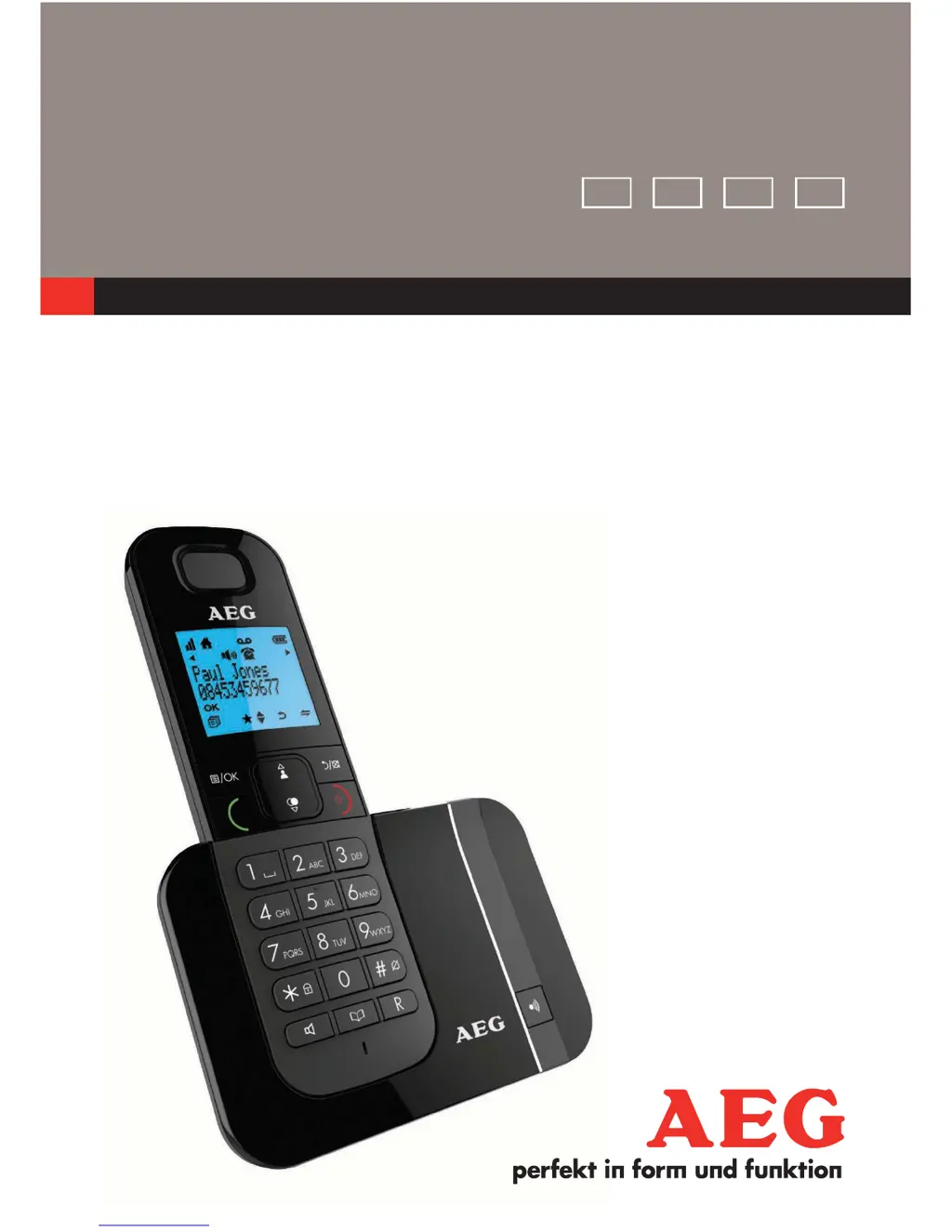
AEG Voxtel D550
100 pages
Print Icon
To Next Page IconTo Next Page
Loading...
V3
QUICK USER GUIDE
CORDLESS
TELEPHONE
Voxtel D550
Voxtel D550 twin
Voxtel D550 triple
UK DE FR NL

Questions and Answers

Summary

IMPORTANT SAFETY INSTRUCTIONS

General Safety Precautions

Basic safety precautions to reduce risk of fire, electric shock, and injury.

GETTING TO KNOW YOUR PHONE

Cordless Handset Display Icons

Signal and Call Indicators

Icons for signal strength and active calls on the handset display.

Status and Control Icons

Icons for voicemail, battery, keypad lock, and menu navigation.

USING YOUR PHONE

Making a Call

Detailed steps for making calls using different methods.

Battery Installation and Charging

Instructions for installing batteries and initial charging.

Answering and Ending Calls

Call Management

Procedures for answering and terminating phone calls.

Advanced Handset Functions

PRIVATE PHONEBOOK

Managing Phonebook Entries

Steps for adding, searching, and editing contacts.

CALLER DISPLAY

Network Dependent Feature

Explains the Caller Display service and its indications.

Call List Management

Viewing Call Records

How to access and view the history of received calls.

PHONE SETTINGS

Alarm Settings

Alarm Functionality

Setting and managing the alarm, including snooze.

Handset Ringer Settings

Handset Registration

GUARANTEE AND SERVICE

Summary

IMPORTANT SAFETY INSTRUCTIONS

General Safety Precautions

Basic safety precautions to reduce risk of fire, electric shock, and injury.

GETTING TO KNOW YOUR PHONE

Cordless Handset Display Icons

Signal and Call Indicators

Icons for signal strength and active calls on the handset display.

Status and Control Icons

Icons for voicemail, battery, keypad lock, and menu navigation.

USING YOUR PHONE

Making a Call

Detailed steps for making calls using different methods.

Battery Installation and Charging

Instructions for installing batteries and initial charging.

Answering and Ending Calls

Call Management

Procedures for answering and terminating phone calls.

Advanced Handset Functions

PRIVATE PHONEBOOK

Managing Phonebook Entries

Steps for adding, searching, and editing contacts.

CALLER DISPLAY

Network Dependent Feature

Explains the Caller Display service and its indications.

Call List Management

Viewing Call Records

How to access and view the history of received calls.

PHONE SETTINGS

Alarm Settings

Alarm Functionality

Setting and managing the alarm, including snooze.

Handset Ringer Settings

Handset Registration

GUARANTEE AND SERVICE

AEG Voxtel D550 Specifications

General IconGeneral
Answering MachineYes
GAP compatibleYes
Range (indoor)50 m
Range (outdoor)300 m
Talk Time10 hours
Standby Time100 hours
DisplayLCD
Display Resolution128 x 64 pixels
Phonebook Capacity50 entries
Caller IDYes
SpeakerphoneYes
Ringtones10
Number of Handsets1
TypeDECT
Frequency1.88 - 1.90 GHz

Related product manuals