7
UK
7
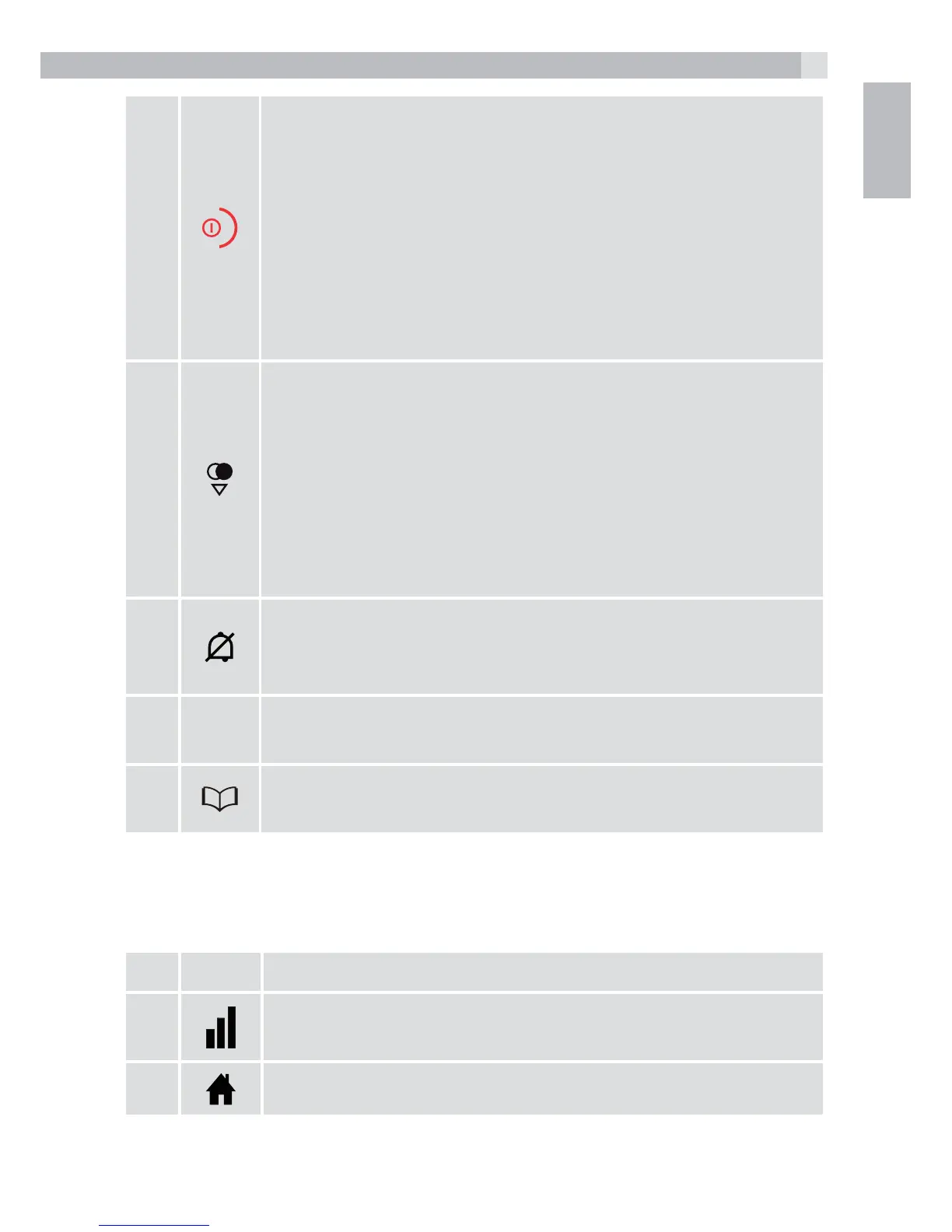
On Hook / ON
tDuring a call: Press to end a call and go back to idle
screen
tIn menu / editing mode: Press to go back to
previous menu
tIn idle mode: Press and hold to power off the
handset
tIn idle mode (when the handset is powered off):
Press and hold to power on the handset.
8
Down/Redial list
tIn idle mode: Press to access the redial list
tIn menu mode: Press to scroll down the menu items
tIn Phonebook list / Redial list / Call List: Press to
scroll down the list
tDuring a call: Press to decrease the earpiece or
speaker volume
tDuring ringing: Press to decrease the ringer volume
9
Ringer Off
tPress and hold to turn the handset ringer off or back
on.
10
R
Flash key
tDuring a call: press to generate flash signal
11
Phonebook / Contacts List
tPress to access the contacts list.
6.2 Cordless handset display (see P2)
The LCD display gives you information on the current status of the
telephone.
# Meaning
Steadily on when the handset is in range of the base.
More bars indicate a stronger signal.
Indicates a call is in progress on that handset.



 To Next Page