WS2083
- 8 -
Setting Up
The base station has six keys for easy operation: the MENU key, UP key, DOWN key, ENTER key, HISTORY key
and the ON/OFF key.
Note: Keeping the UP or DOWN key pressed when setting certain units will increase/decrease digits in greater
steps.
The setting procedure can be exited at any time by either pressing the HISTORY key or waiting for the
30-second time-out to take effect.
The basic settings can now be performed as follows:
Time
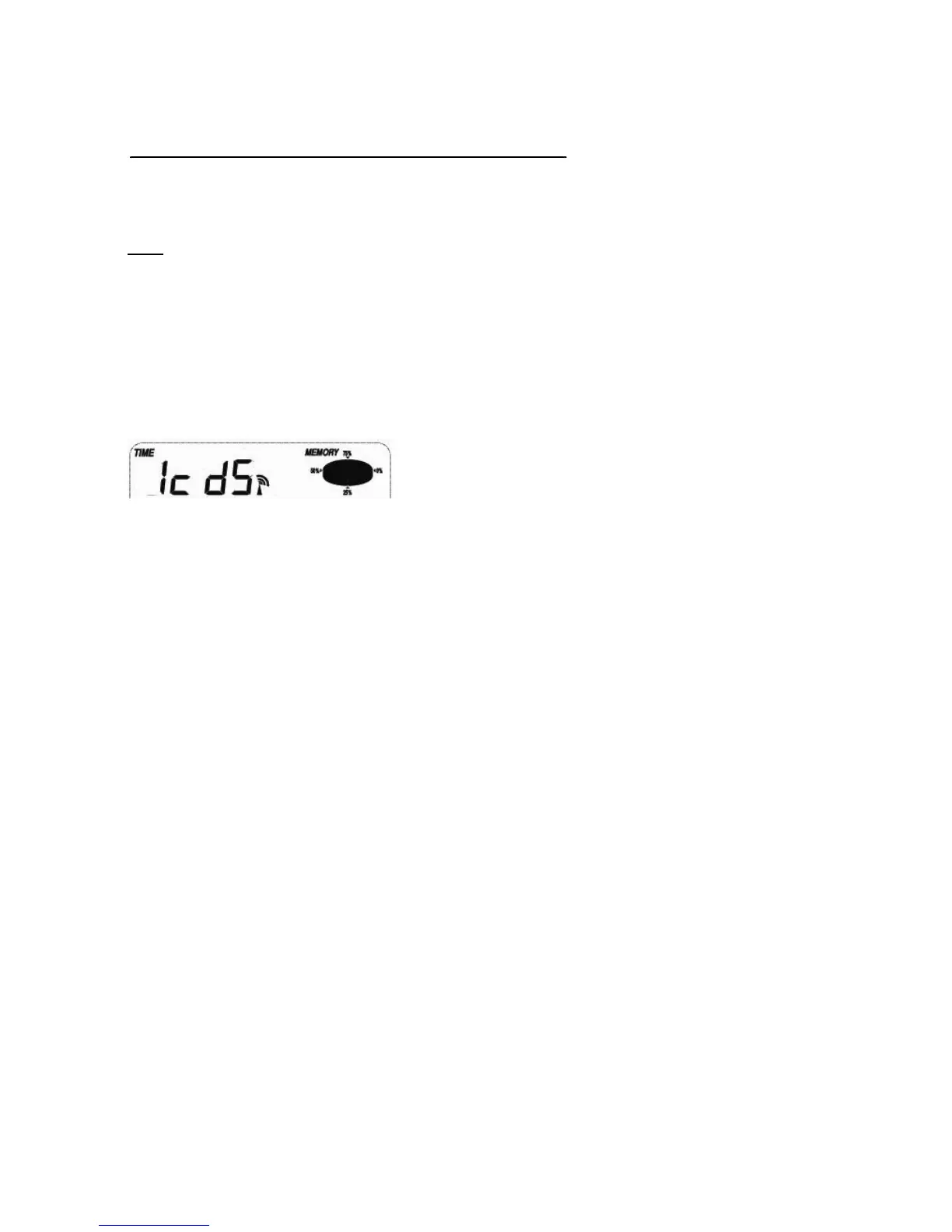
Press the MENU key to select the TIME section, the TIME section digits will start flashing and you will be in the
LCD contrast setting mode (level 1-8, default level 5), press the UP or DOWN key to set the value. Level 1
will produce the faintest appearance level 8 the darkest.
Press the ENTER key to select the following:
Time zone.
12/24h time display (default 12h)
Manual time setting (hours/minutes).
Press the UP or DOWN key to set each value.
Note: The radio controlled clock (RCC) works off the German DCF77 time signal received across large parts of
Europe and the UK so set your time zone as follows:
Iceland (-2 for German DST)


 To Next Page