EasyManua.ls Logo

Aerial ASE 200 - User Manual

Aerial ASE 200
136 pages
Go to English
Print Icon
To Next Page IconTo Next Page
Loading...
1
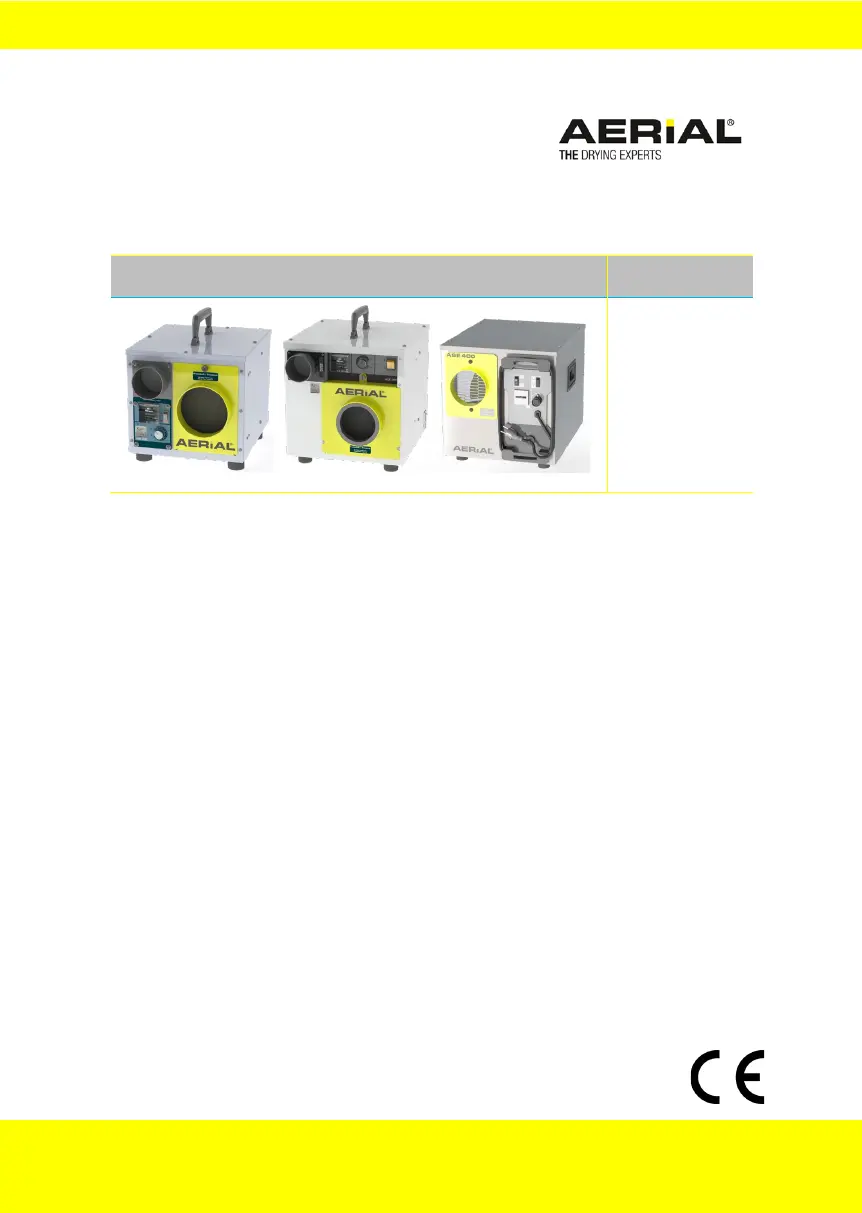
Adsorptionstrockner/Adsorption-dehumidifier
Serie/Series
ASE 200
ASE 300
ASE 400
DE Betriebsanleitung
EN Operation Instructions
FI Käyttöohje
IT Istruzioni per l’uso
2
13
24
34
FR Mode d'emploi 46
DA Betjeningsvejledning 58
NO Bruksanvisning 69
PL Instrukcja eksploatacji 80
PT Manual de instruções 92
SV Bruksanvisning 103
ES Manual de instrucciones 113
NL Bedieningshandleidin 124
Technische Daten/Technical Data 136
V1_02-2021 5506-0099

Table of Contents

Questions and Answers

  • D
    Darren PowellAug 10, 2025
    Why is my Aerial ASE 200 Dehumidifier not removing moisture?
    • R
      Richard JacksonAug 10, 2025
      Your Aerial Dehumidifier might not be removing moisture effectively due to a dirty air filter, which restricts airflow. Clean or replace the filter to resolve this. Another cause could be a blocked process air inlet. Inspect the inlet and clear any obstructions.
  • K
    Karl HintonAug 25, 2025
    What to do if my Aerial Adsorption-Dehumidifier is out of order?
    • G
      gonzalezbrandyAug 26, 2025
      If your Aerial Adsorption-Dehumidifier seems to be out of order, first, ensure that the dehumidifier is switched on and check the power supply. For ASE 200/300 models, the dehumidifier might be off because the desired room humidity has been reached; it will switch back on automatically once the preset moisture level is exceeded. If none of these are the cause, the appliance may be faulty.

Aerial ASE 200 Specifications

General IconGeneral
BrandAerial
ModelASE 200
CategoryDehumidifier
LanguageEnglish

Related product manuals