15
ACTIVATE OR DEACTIVATE THE WIFI FUNCTION (ONLY WITH THE AC-
CESSORY WIFIKIT/WIFIKIT10)
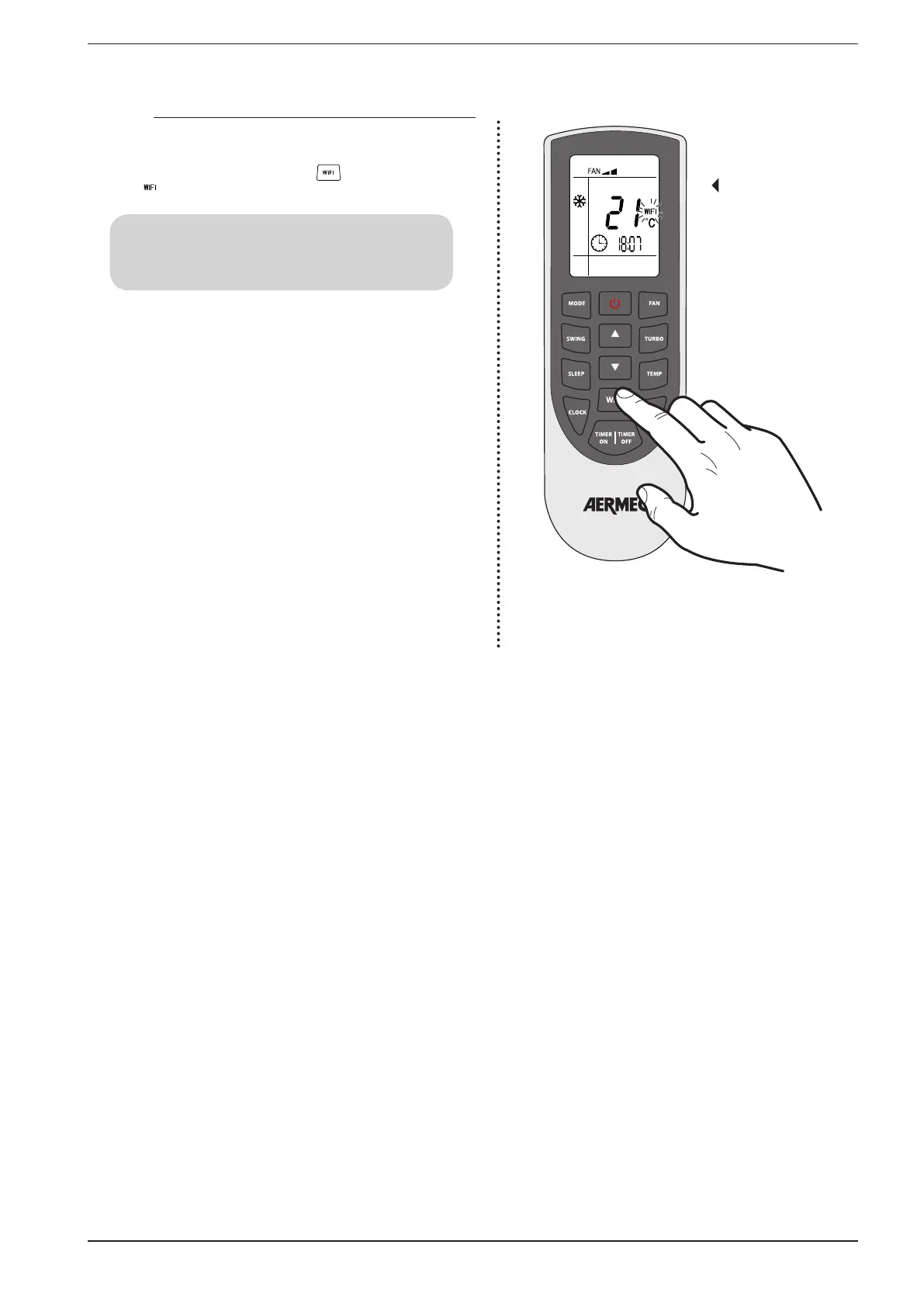
The units can be controlled by a WIFI system, if the accessory
WIFIKIT/WIFIKIT10 has been planned; to activate or deactivate
the WIFI function, press the button ; the display shows the
icon ( ) indicating that the function is now active.
ACTIVATE OR DEACTIVATE
THE WIFI FUNCTION
ATTENTION:
in order to use this function it’s MANDATORY to install in the
unit the specific accessory WIFIKIT/WIFIKIT10



 To Next Page