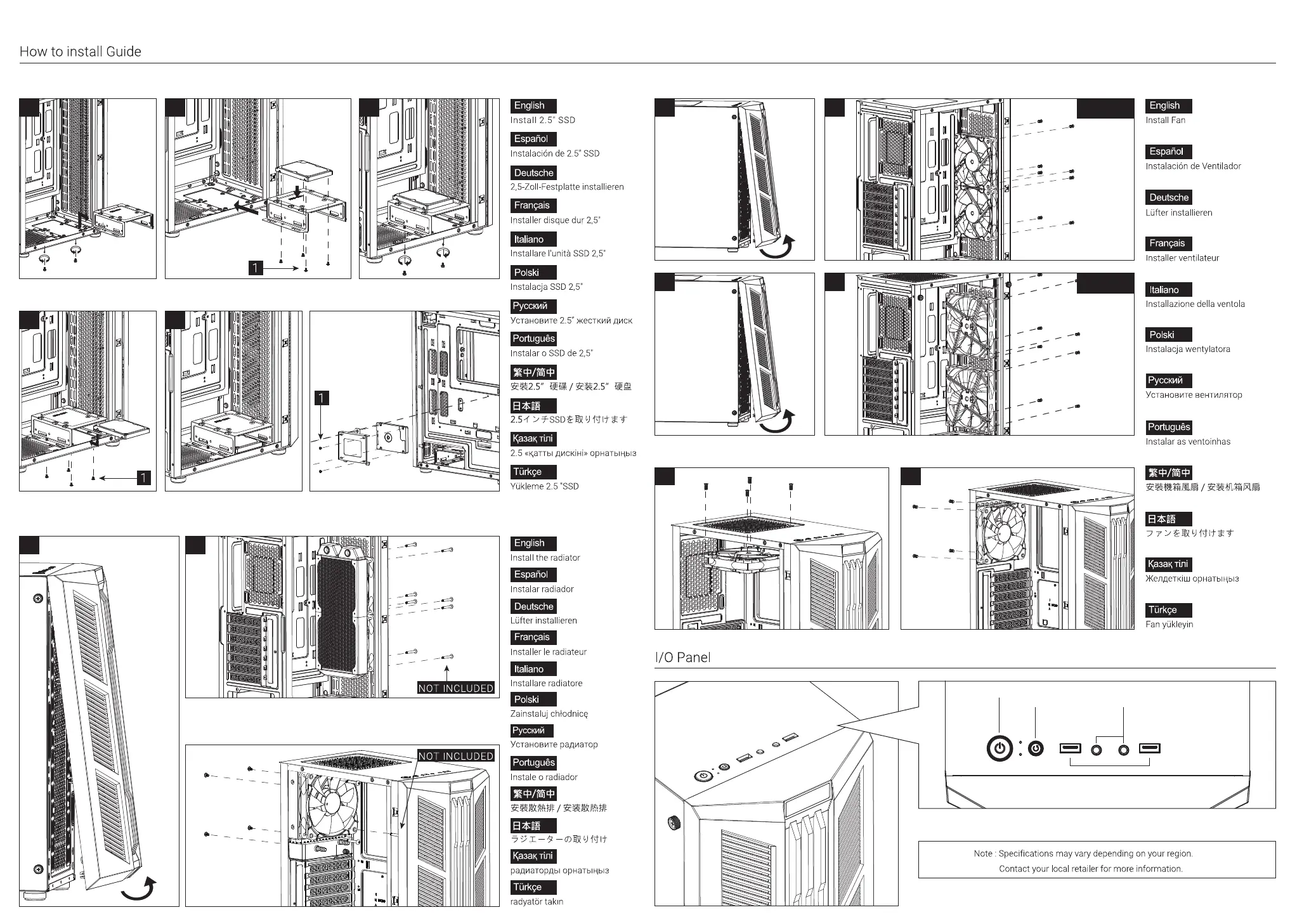
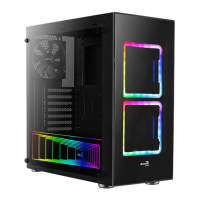
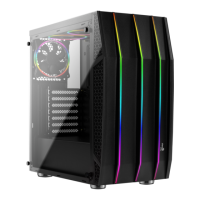
(6) Install Front Fan x2
(7) Install Top Fan x1
Power
USB3.0
(8) Install Rear Fan x1
(9a) Install Front Raditaor x1
120mm
140mm
(9b) Install Rear Raditaor x1
Reset
(LED Control Button)
HD Audio & Mic
(5a) Install 2.5” SSD x1
(5b) Install 2.5” SSD x1 (5c) Install 2.5” SSD x1
CB
A
A
B
B
B
A
A
A
A
B
B
PRESS & HOLD LED Control Button for 3 secs to switch to MB control. Revert back to LED Button Control
by clicking LED Control Button once. To turn off the LED, cycle through the modes.
To learn more about how to connect your ARGB, please visit the product page at
aerocool.io (for ARGB compatible versions)



 To Previous Page