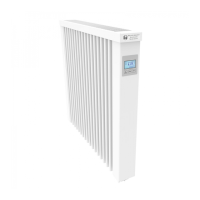
Manual FlexiSmart
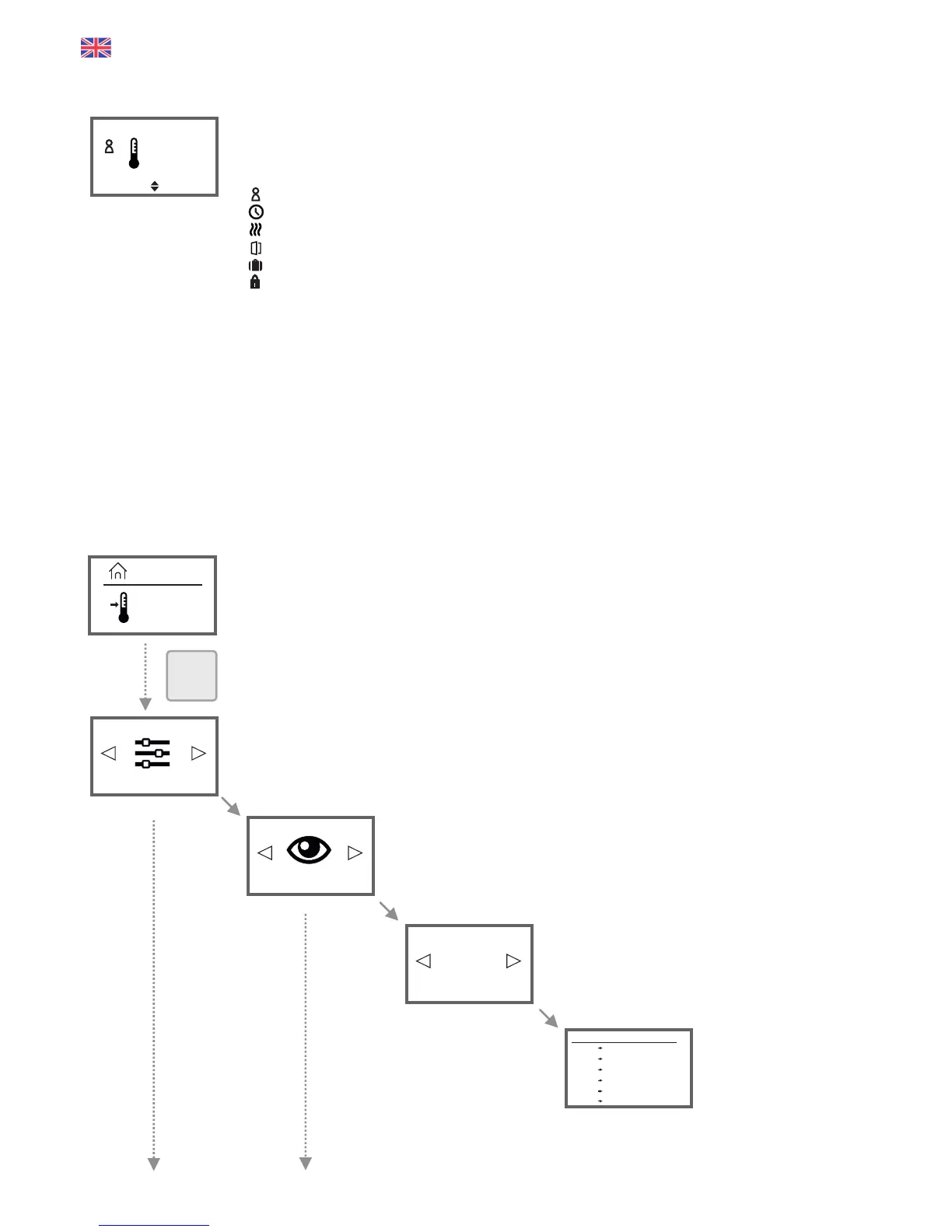
The first menu you will see after switching your AeroFlow® heater. It shows the current time on the top left
(for setting see page 14). The large temperature next to the thermometer icon shows the current room
temperature. The small temperature in the lower right corner shows the target temperature.
Depending on the program setting, the following icons are visible:
= Manual mode (program mode Off). The target temperature will be controlled via the arrow buttons.
= The AeroFlow® heater is in program mode (see page 11/12).
= The heater is heating. As soon as the heating elements do switch off, this symbol disappears.
= Open window detected, the AeroFlow® heater is temporarily switched off.
= Holiday Mode: The digit below the icon indicates the number of remaining holidays (see page 13).
= Keylock/Childlock ON (to enable/disable press both arrow buttons simultaneously for min. 5 sec.).
NOTES:
If the clock symbol (program mode) is not displayed, lower or raise the target temperature by using the
arrow buttons. The AeroFlow® heater will always hold this temperature.
In case the program mode is enabled (the clock symbol is displayed), the target temperature can also be
lowered and raised with the arrow buttons. The manually set target temperature overrides the program
mode until the next preset start or end time of a time frame. The AeroFlow® heater returns to
programming mode after then.
To turn the heater off, keep the OK button pressed for at least 5 seconds.
„Standby" will be displayed. Power consumption in standby mode below 0.1 watts.
The display view changes after 5 seconds without pressing a button. The current temperature is displayed
on top and the target temperature at bottom.
In this menu you can change or view your heating times.
You don't see this menu item?
Enable the programming mode in the configuration menu by switching "Programs" to "ON".
Select this menu if you want to view the heating plan. You can not make
changes in this menu item.
Select the day of the week for which you want to
see the heating plan.
See the heating plan on
the choosen day. Press
OK to exit the menu item
display.
12:34
21.7
15.5
21.7°C
°C
°C
Programs
See
Select day
Thursday
Start End Temp
00:00 08:00 11,0°C
08:00 16:00 19,0°C
16:00 00:00 11,0°C
--:-- --:-- -- °C
--:-- --:-- -- °C
--:-- --:-- -- °C
Status-Display
Temperature-Overview
OK
15.5°C
12


 To Next Page
 Loading...