FL20X Operations Guide
Document # S200-FL20X-005
Rev 1.3 02/28/2017
Page 1 of 2
Tel. 416-628-0725
www.aerospacelogic.com
This manual outlines the operating procedures for all FL20X series products
FUEL INSTRUMENT NOT INSTALLED CORRECTLY
1. Power Up / Default Screen
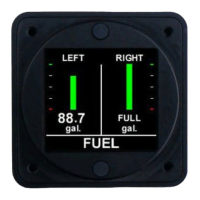
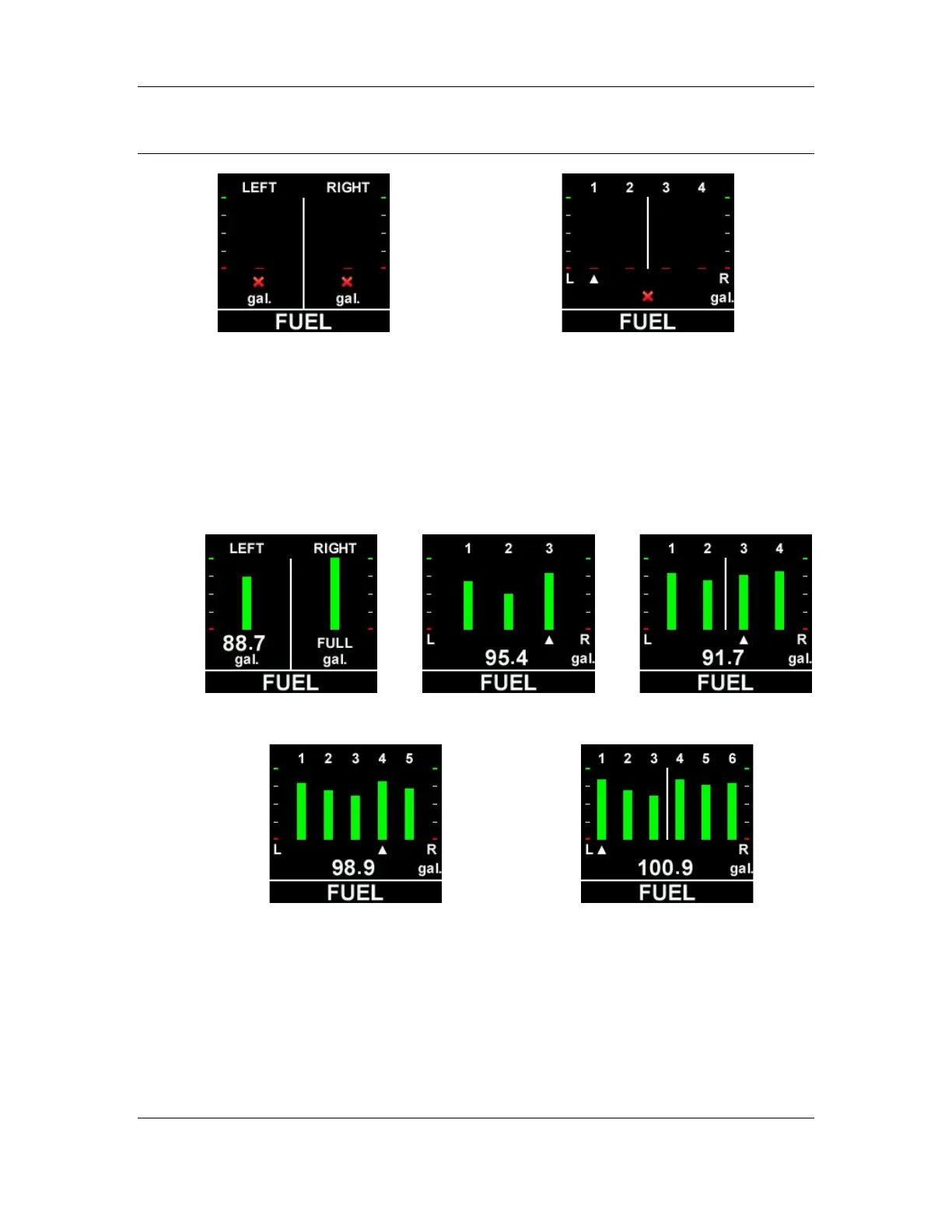
Displays the fuel level in each tank. Colors are determined by the range values
as set during installation. Tanks are indicated from leftmost to rightmost.
For the FL202 instrument, the quantity in each tank is permanently displayed
beneath each indicator bar. For all other instruments, use the bottom button to
scroll between tanks. The fuel quantity displayed corresponds to the tank number
with the arrow beneath the bar indicator.
Press the top button to move to the next display screen.

 To Next Page
 Loading...