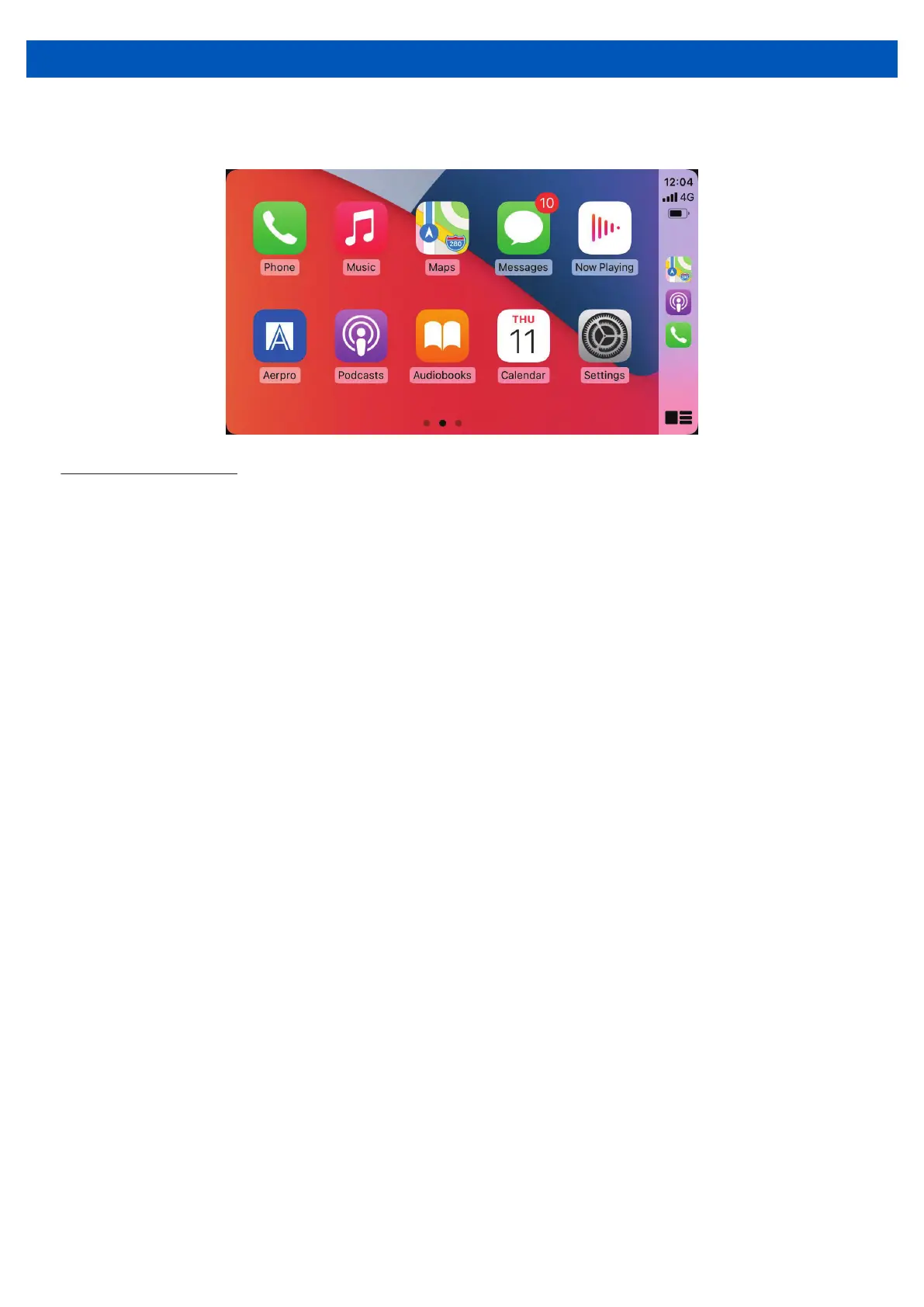
CarPlay Operation
13
Wired connection
NOTE: The park brake needs to be connected for Apple CarPlay to function.
1. Turn on Bluetooth on your compatible device
2. Connect an Apple CarPlay compatible device to this unit via USB1 (CP/AA/USB Media)
3. A pair message and a pairing request code may appear on your compatible device and
head unit. Click allow to accept
4. An ‘Allow CarPlay with AM7S while phone is locked’ message may appear on your
device. Click allow to accept
5. The Apple CarPlay automatically displays on screen.


 To Next Page