v n If the batt ry is law, the previously measured blood pressure value
will stili be stored.
•e
1.
Setting the blood pressure monitor
Check current se"'ng:
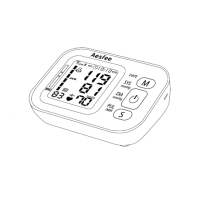
Press the S button" 0" to view the curren I settings such as time, date, user
group number, blood pressure unit (kPa or mmHg)
To make use of the memory and average values functions:
,et the unit to the correct date, time, user group and blood pressure unit
ietore
taking a measurement for the first time.
1 Se"'ng the User Group
'ess and hold the S button" 0" for 3 seconds while the unit is turned off,
.ne Current user group icon
lJ.
will flash on the display
• Press M button "8" to switch user group
• PressSwitch button
"@"
to save the setting and shut down.
1.2 Se"ing the data and time
1.) Pressand hold the S button "0 "for 3 seconds while the unit is turned off,
The user group icon will flash on the display.
2.) Pressthe S button "0" again, the year digits0 2017 will flash on the display.
3.) Pressthe M button "8"to advance the digits one at a time.
4.) Pressthe S button "0" to confirm the setting when the desired number
appears on the display.
The year is set and the month digits01/09 flash on the display.
5.) Repeat steps 3 and 4 to set the month,
The month isset and the day digits01/09 flash on the display.
6.) Repeat steps 3 and 4 to set the day.
The day is set and the hour digits018:59 flash on the display.
7.) Repeat steps 3 and 4 to set the hour.
The hour is set and the minutes digits018:59 flash on the display.
8.) Repeat steps 3 and 4 to set the minutes.
The minutes settings is set.
The unit automatically turns itself off after the minute setting has been set.
1.3 Se"ing the blood pressure unit
The default blood pressure display unit is in mmHg, and if you want to use
kPa, please follow the steps below:
• Pressand hold the Switch button"
@ "
for 6 seconds while the unit is turned
off until "kPa" appear on the display.
• PressSwitch button to save the setting and shut down.
The blood pressure unit will appear as kPa in your next measurement .
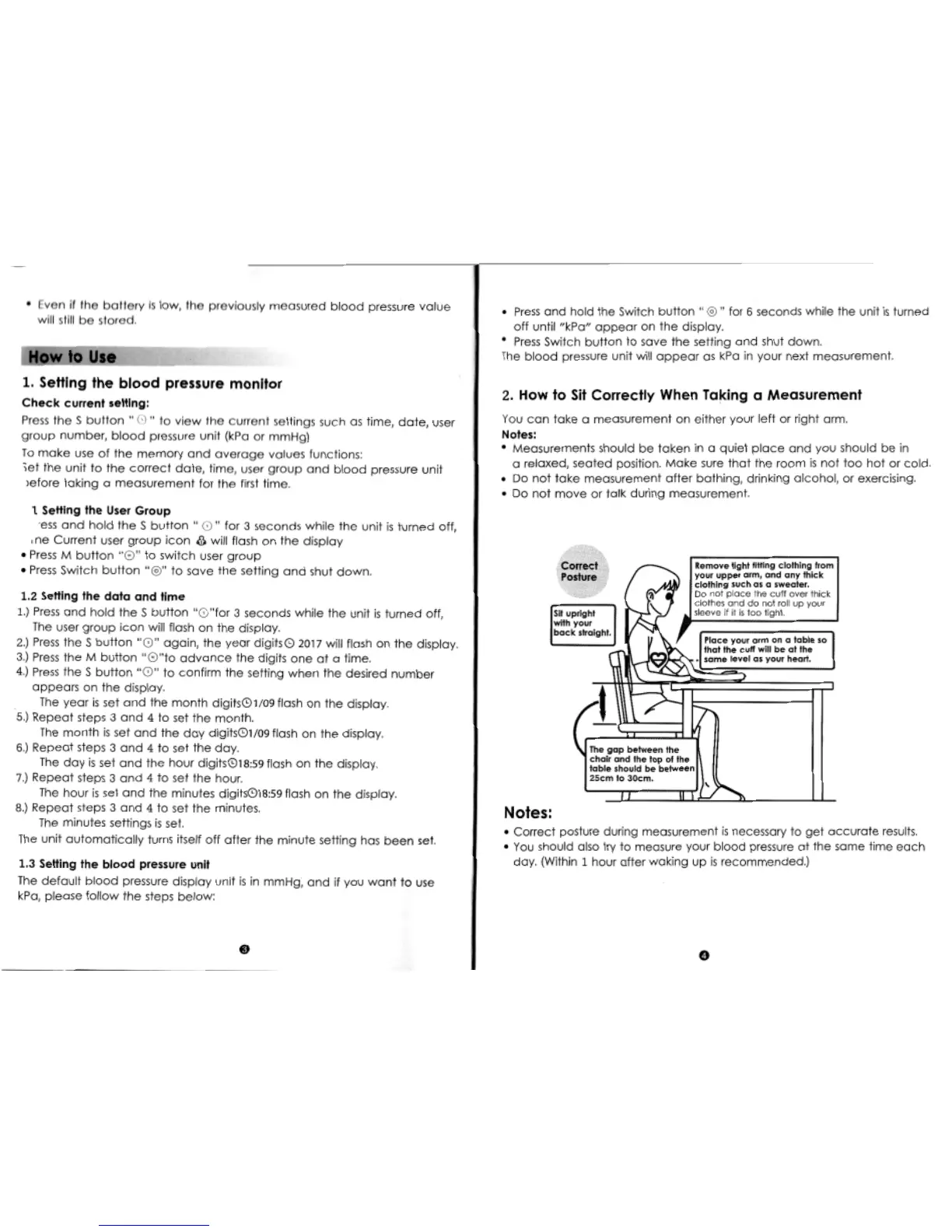
2. How to Sit Correctly When Taking a Measurement
You can take a measurement on either your left or right arm.
Notes:
• Measurements should be taken in a quiet place and you should be in
a relaxed, seated position. Make sure that the room is not too hot or cold.
• Do not take measurement after bathing, drinking alcohol, or exercising.
• Do not move or talk during measurement.
Remove tight fitting clothing from
your upper arm, and any thick
clothing such as a sweater.
Do not place the cuff over thick
clothes and do not roll up your
sleeve
if it
is too tight.
The gop between the
choir and the top 01 the
table should be between
25cm to 30cm.
Notes:
• Correct posture during measurement is necessary to get accurate results.
• You should also try to measure your blood pressure at the same time each
day. (Within 1 hour after waking up isrecommended.)


 To Next Page
 Loading...