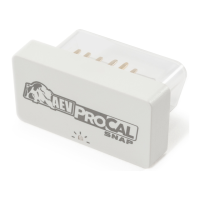
Q: No light on the ProCal SNAP.
A: Contact Support.
Q: The light was solid green, I attempted to program
something, there was no honk and now the ProCal SNAP has a
fast pulsing blue light.
A: Turn the radio o. Use the Instrument Cluster Display
Control Buttons to navigate to AUDIO. Record the error
message and contact AEV support with the information shown.
Q: What if I don’t have a factory stereo?
A: Contact AEV support, some aftermarket radios could still
function properly. We’ll be able to advise you before trying.
AEV Customer Support: (248) 926-0256
Email: tech@aev-conversions.com
TROUBLESHOOTING

 To Next Page
 Loading...