________________________________________________________ 14
3.7 Lights Operating (See Fig. 16)
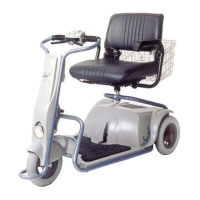
To switch on the SUPERLIGHT light, use the Right-Blue switch.
WARNING
1. Until you get used to the SUPERLIGHT and its operational
features - Speed Selector switch should be set at the Low
mode (“Turtle”).
2. When going down hill always use the low speed mode.
Notes:
1. The Battery Capacity Indicator reset itself to full (4
leds) only after full recharge.
2. In case that Charging Adapter is used to charge the
Batteries out of the SUPERLIGHT, the Battery
Capacity Indicator of the vehicle will not reset
automatically.
To reset the Battery Capacity Indicator
Turn on the key switch and wait for 2 minutes
without driving.
Notes: 1. There is available a model of SUPERLIGHT in which
the maximum speed is 6.0 km/h .
2. Speed can be limited by authorized technician.
Note: It is recommended to charge the batteries at the end of
each day.


 To Next Page