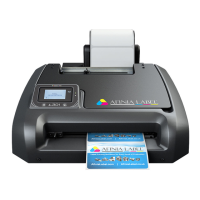
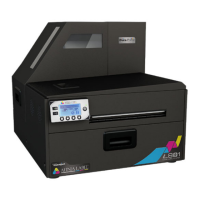
Setting Up the Printer
7
Chapter 1
Setting Up the Printer
Start 8
In the Box 8
Parts of the Printer 9
The Control Panel 10
Using the Control Panel 11
Selecting the Security Level 12
Unpacking, Setup, and Installation 13
Remove tape and packing materials 13
Connect power 14
Install ink cartridges 15
Install printhead 15
Load sample media 17
Print test label 18
Install printer driver 18
Troubleshooting Printer Setup 20
Change Security Passwords (Administrator) 21


 To Next Page