AFN7500HD User Guide
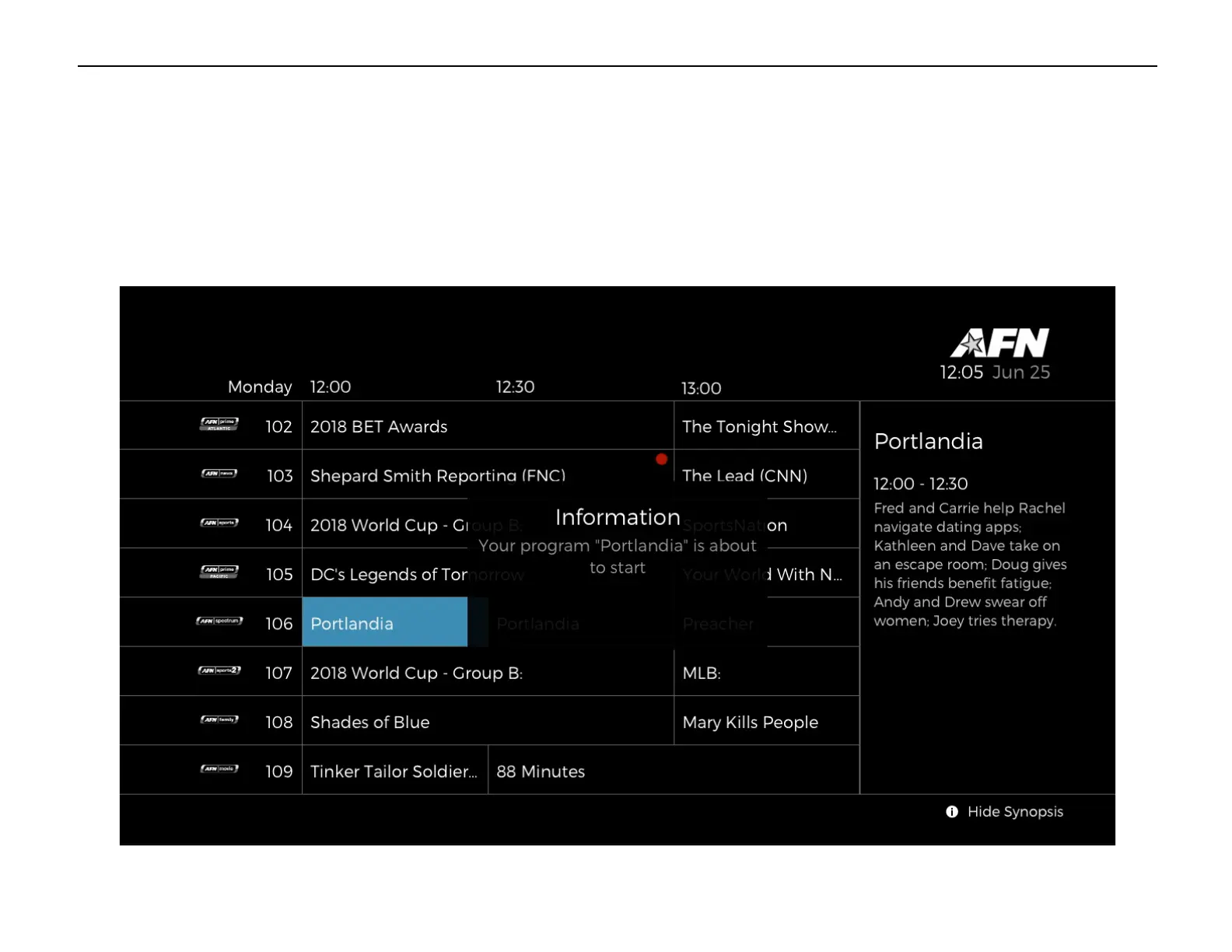
NOTE – Pushing [REC] on the remote while watching a program will cause the decoder to begin recording the live program from that
point, provided a recorder is available. The “About to Start” message will display, shortly followed by the started message, shown below.
The red dot will not appear until after the recording has started. Pressing the [REC] button again cancels the recording.
Program recording about to start message


 To Next Page