AFN7500HD User Guide
Recording Programs
Recording a program being viewed
Pushing [REC] on the remote during a program will record what is being viewed plus any buffer time. Recorded programs are viewable
in the ‘Library’ section of the menu.
Recording a program on another channel or future program
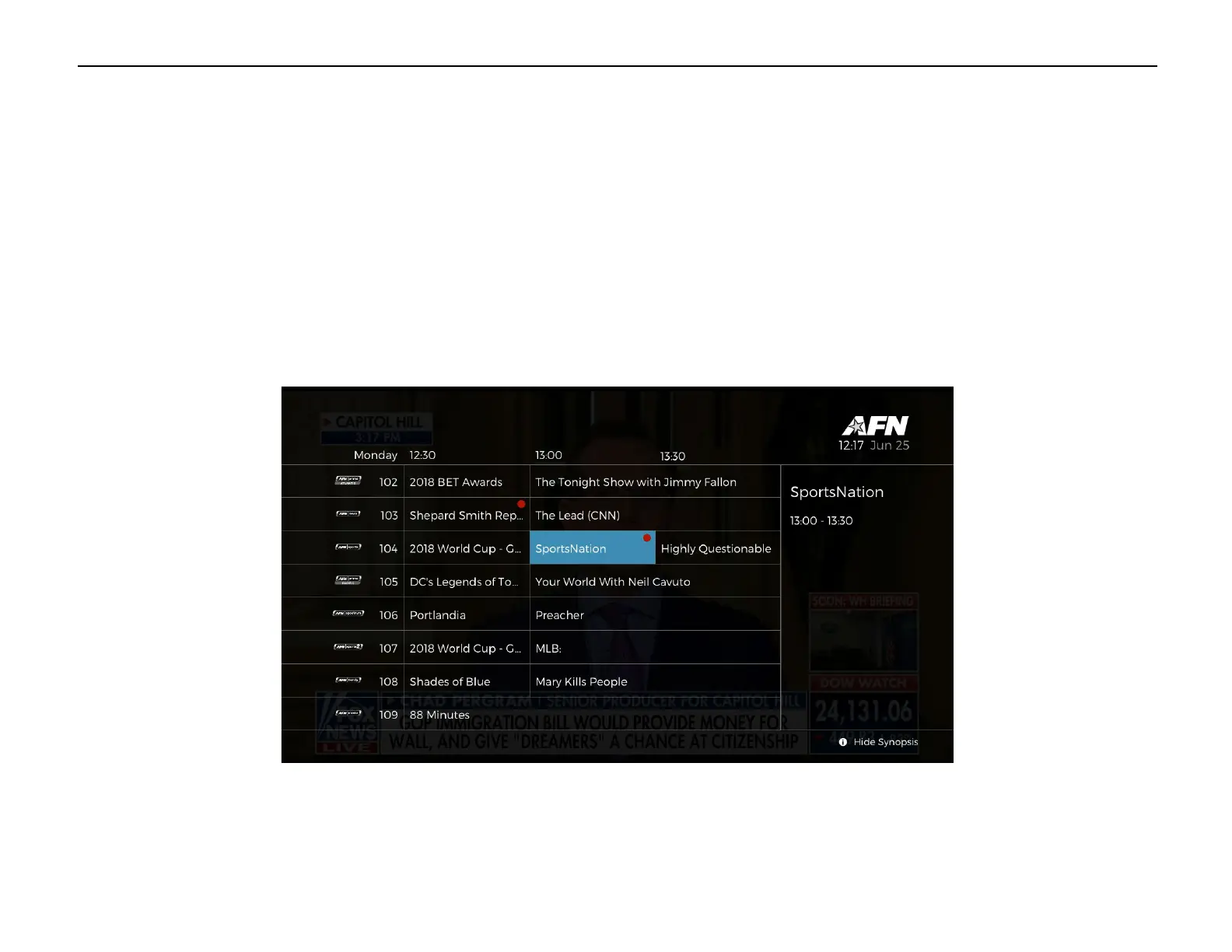
Press the ‘EPG’ button and navigate to the program you wish to record. To record the program, press the [REC] button. A red dot will
appear in the upper right corner of the selected program.


 To Next Page