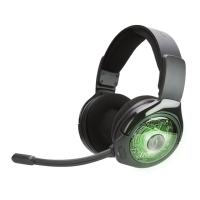
HEADSET OVERVIEW ENGLISH
WIRELESS USB TRANSMITTER OVERVIEW ENGLISH
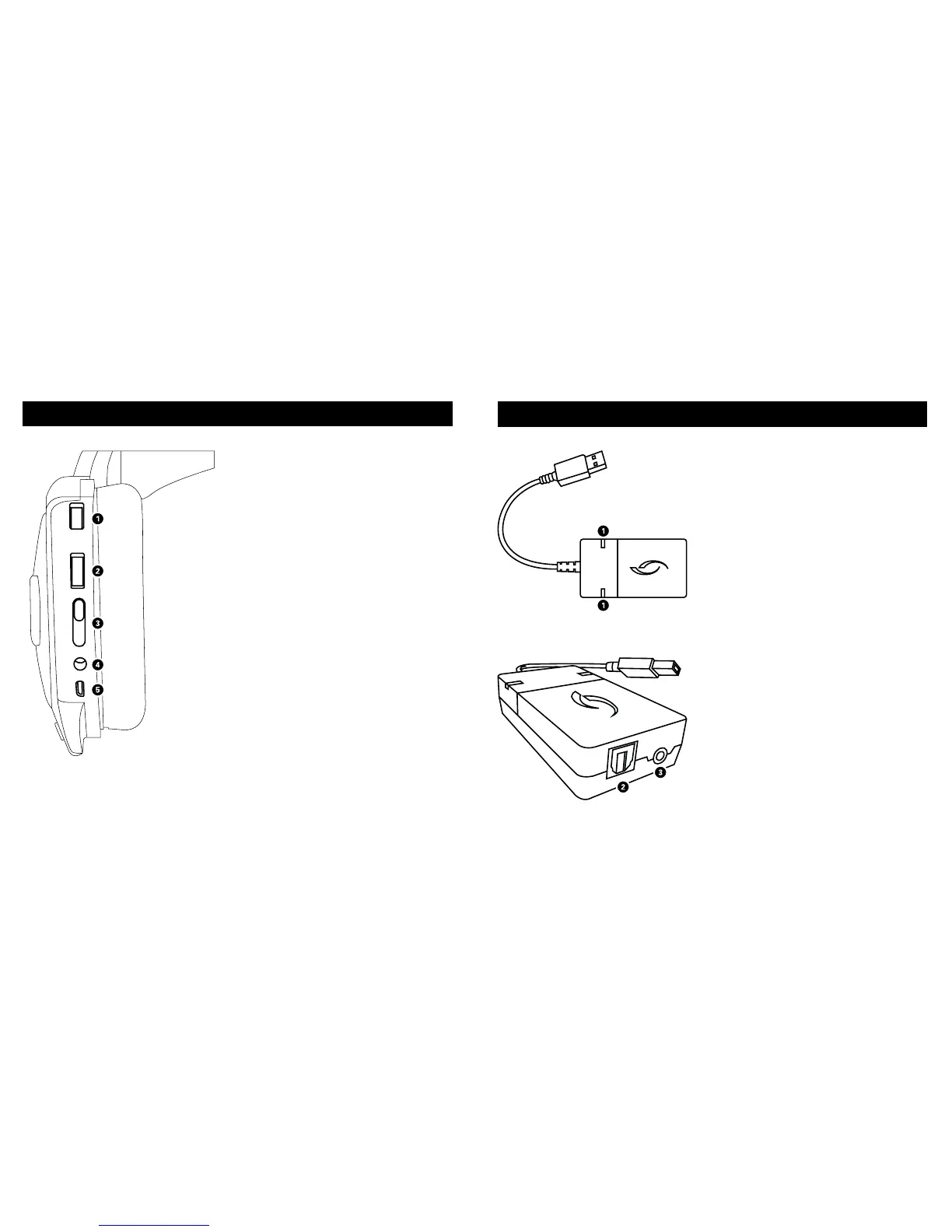
1. GAME VOLUME DIAL: Adjusts game
volume level.
2. CHAT VOLUME DIAL: Adjusts chat
volume level.
3. AFTERGLOW LIGHTING MODE
SWITCH: Choose between Manual
lighting mode (set any color manually)
or Auto lighting mode (which automat-
ically cycles through all colors). The
third position turns off the lights while
keeping your headset functions active.
4. UNIVERSAL AUDIO LINE-IN: Plug the
grey color 3.5mm auxiliary cable into
this port and the other end into a sound
source (mobile device, tablet, PC).
Microphone, sound and lighting
capabilities are supported in
Mobile mode.
5. MICRO USB CHARGING PORT: This
port enables you to charge your
Afterglow Wireless headset while
in use.
1. DIGITAL AND ANALOG LEDS: These
lights indicate whether your headset is
using digital or analog sound input.
2. DIGITAL AUDIO PORT: With the
Wireless USB transmitter plugged into
an active USB port, plug one end of the
included optical cable in here, and the
other end into your PlayStation
®
4 or
PlayStation
®
3 console. The optical port
has priority over the analog port.
3. ANALOG AUDIO PORT: With the
Wireless USB transmitter plugged into
an active USB port, plug one end of the
grey 3.5mm aux cable into the analog
audio port, and the other end into a
mobile device or PC auxiliary port.
This can be used as a secondary input
source.



 To Next Page