EasyManua.ls Logo

AGFA CR 15-X - User Manual

AGFA CR 15-X
84 pages
Print Icon
To Next Page IconTo Next Page
Loading...
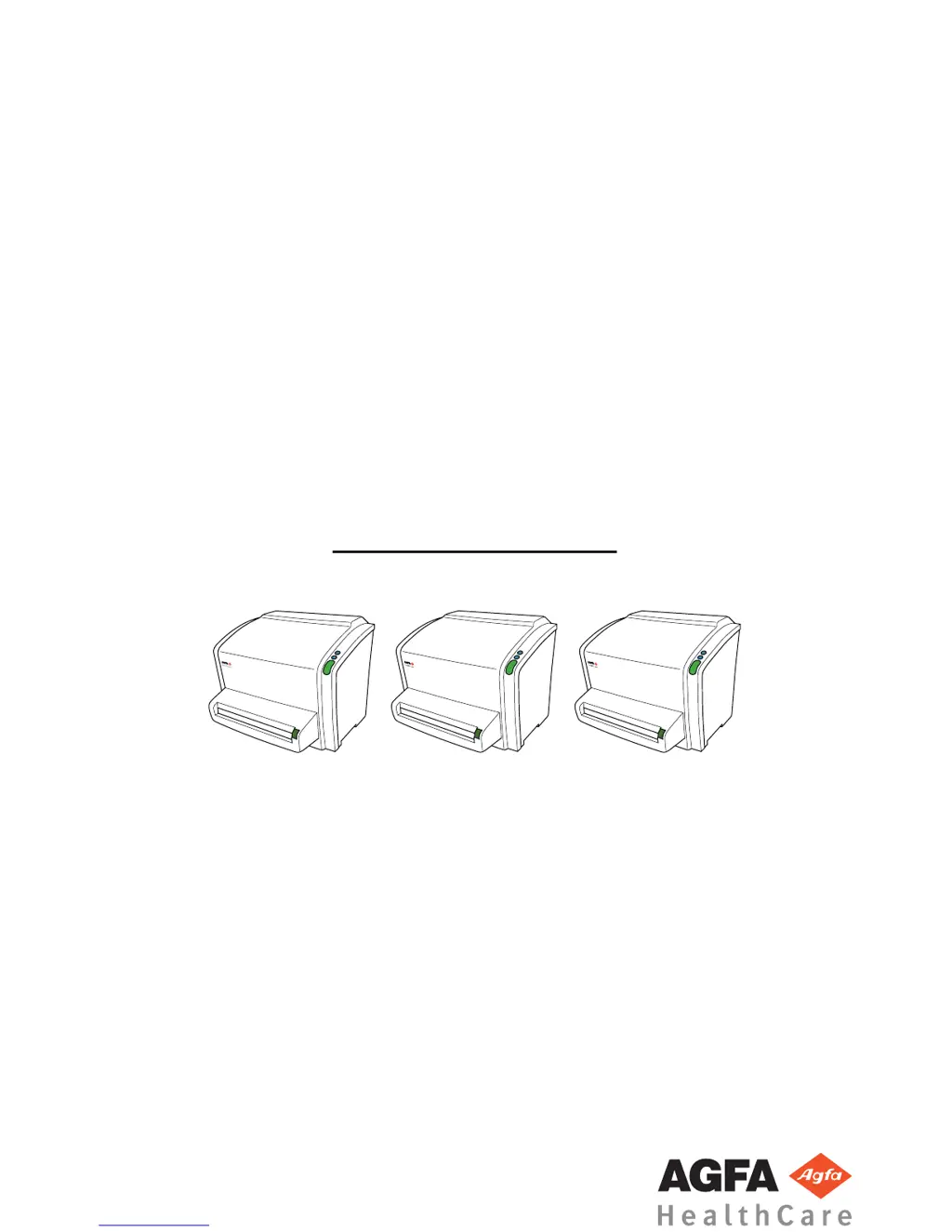
CR 10-X, CR 12-X, CR 15-X
5151/100
5151/200
5151/300
User Manual
CR
10-
X
CR
12-
X
CR
15-
X
2491E EN 20150409 1543

Table of Contents

Questions and Answers

  • J
    Joseph MooreAug 9, 2025
    What to do if AGFA Measuring Instruments has image plate transport problems?
    • S
      Sharon MartinezAug 9, 2025
      If you encounter image plate transport problems with your AGFA Measuring Instruments, remove the cassette, press the confirm button, and then perform the following checks: 1. Inspect the cassette for any signs of damage. 2. Open the cassette and check the shutter for damages. 3. Verify if the image plate is bent by placing it on a flat surface. The entire plate must touch the surface. If there's a gap, like a lifted edge or sharp bend, the image plate needs to be replaced.
  • V
    vdonaldsonAug 17, 2025
    Why AGFA CR 15-X cassette could not be identified?
    • A
      Alex JamesAug 17, 2025
      The AGFA Measuring Instruments cassette may not be identified because you clicked the ID button immediately after inserting the cassette into the digitizer. To resolve this, wait until the digitizer has finished reading the data on the cassette and sent it to the NX PC. This process might take a few seconds, after which the error message should disappear.
  • M
    Marie MillerAug 23, 2025
    What to do if AGFA Measuring Instruments cannot read data on the image plate?
    • K
      Kenneth HamptonAug 23, 2025
      If your AGFA Measuring Instruments unit is having trouble reading data on the image plate, first remove the plate from the cassette, referring to the AGFA CR Plates and Cassettes User Manual for instructions. Check the barcode to ensure it is fully legible, cleaning any dirt if necessary, following the plate cleaning instructions. Also, ensure the optics cleaning lever is in the 'home' position on the left side, allowing the digitizer to read the barcode.
  • S
    smithloganAug 31, 2025
    What to do if I pressed the cassette release button before the end of the cycle on AGFA CR 15-X Measuring Instruments?
    • R
      richard61Aug 31, 2025
      If you accidentally pressed the cassette release button on your AGFA Measuring Instruments before the cycle completed, avoid doing so in the future. If it has already happened, clamp the cassette again by pushing it towards the digitizer and then restart the digitizer.

Summary

Introduction

Safety Notices Explained

Explains the meaning and use of warnings, cautions, and safety icons.

Intended Use

Describes the intended use of the digitizer and associated components.

Indications for Use

Specifies the intended applications and limitations for the CR system.

Intended User

Defines the qualified personnel authorized to operate the equipment.

System Configuration

Details the components that make up the CR system and their interconnections.

Operation Controls

Explains the user interfaces and controls of the digitizer.

Operator Training Requirements

Outlines the mandatory training requirements for operating the system.

Connectivity Options

Explains how the digitizer connects to the workstation.

Installation Guidelines

Provides instructions and safety warnings for installing the digitizer.

Cleaning and Disinfection

Details procedures for cleaning the digitizer and its accessories.

Patient Data Security

Outlines the user's responsibility for patient data protection and security.

Maintenance

Preventive Maintenance

Details required preventive maintenance procedures and service engineer involvement.

Getting Started

Operating the CR System

AGFA CR 15-X Specifications

General IconGeneral
BrandAGFA
ModelCR 15-X
CategoryMeasuring Instruments
LanguageEnglish

Related product manuals