EasyManua.ls Logo

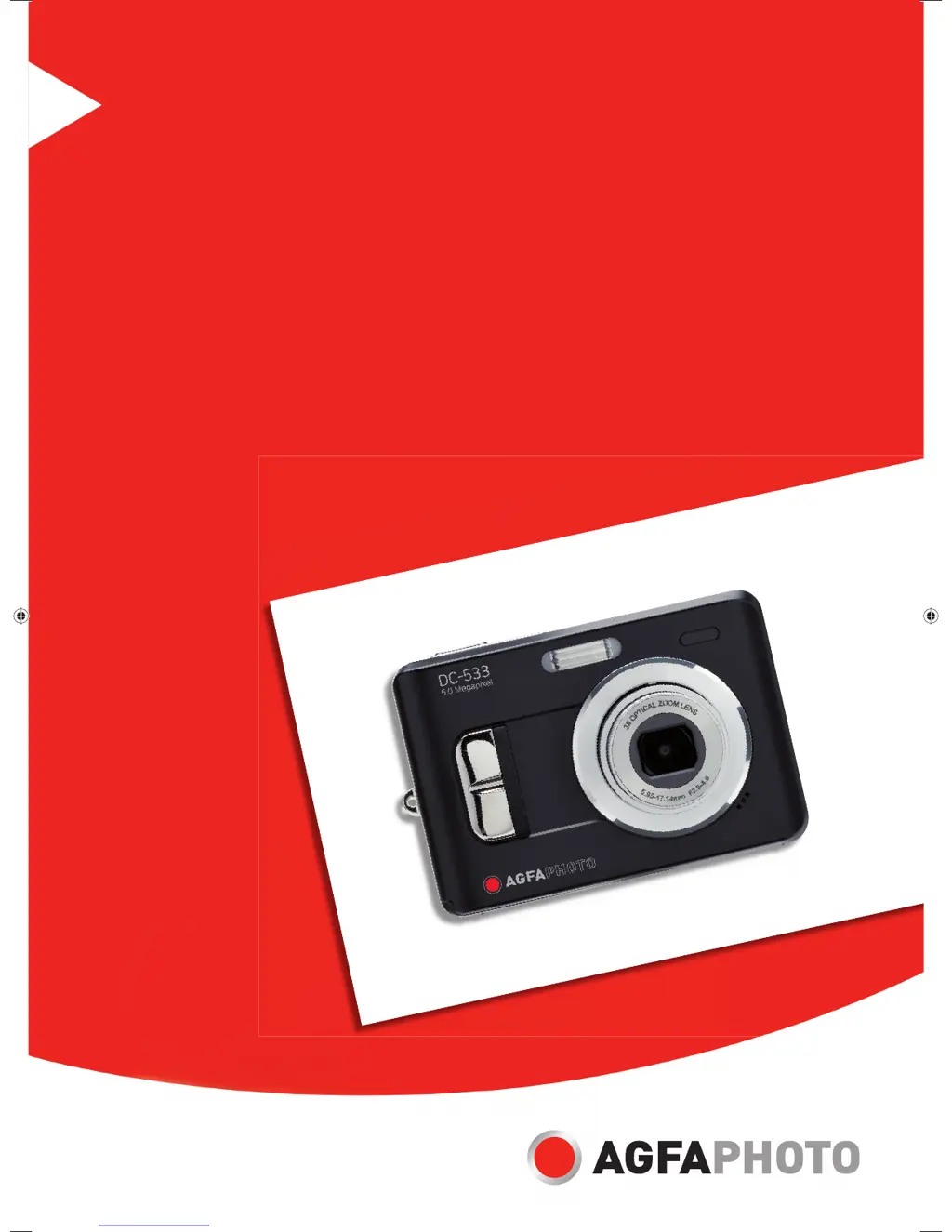
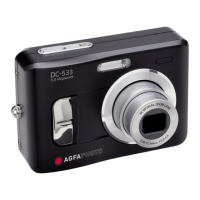
AgfaPhoto DC-533 - User Manual

AgfaPhoto DC-533
52 pages
Print Icon
To Next Page IconTo Next Page
Loading...
DC-533
User manual
RZ-AGFAP-06-004-UserM533-VS.indd1 1RZ-AGFAP-06-004-UserM533-VS.indd1 1 04.09.2006 16:05:51 Uhr04.09.2006 16:05:51 Uhr

Table of Contents

Questions and Answers

  • W
    wrochaJul 29, 2025
    How to fix AgfaPhoto DC-533 Digital Camera when power does not turn on?
    • T
      Thomas FosterJul 29, 2025
      If your AgfaPhoto Digital Camera isn't powering on, here are a few things to check: 1. Ensure the battery is inserted correctly. 2. Replace the batteries if they are dead, or recharge them. 3. Make sure the battery compartment door is securely closed.
  • J
    Jerome RogersAug 2, 2025
    What to do if my AgfaPhoto Digital Camera does not take pictures?
    • J
      James StewartAug 2, 2025
      If your AgfaPhoto Digital Camera isn't taking pictures, consider the following: * Wait for the flash to charge completely. * Insert a new memory card if the current one is full. * If the memory card is defective, try using a new one.
  • C
    Christian JacksonAug 7, 2025
    Why is my AgfaPhoto DC-533 Digital Camera image blurry or out of focus?
    • S
      Stacey AbbottAug 7, 2025
      If your AgfaPhoto Digital Camera images are blurry or out of focus, the cause may be: * The camera was moving when the image was captured, so hold the camera steady. * The subject was beyond the focus range. If the subject is within 5 cm (zoom out) or 50 cm (zoom in), turn on Macro mode. Don't use Macro mode for distant subjects.
  • L
    Lisa LittleAug 11, 2025
    What to do if the image is not recorded when the shutter button is pressed on AgfaPhoto Digital Camera?
    • C
      Carolyn JohnsonAug 11, 2025
      If your AgfaPhoto Digital Camera isn't saving images when you press the shutter button: * Wait for the flash to charge completely. * Insert a new memory card if the current one is full.
  • J
    Jerome RoweAug 15, 2025
    How to enable flash on AgfaPhoto DC-533 Digital Camera?
    • E
      erica95Aug 15, 2025
      If the flash on your AgfaPhoto Digital Camera isn't firing, set the flash to any mode except OFF.
  • M
    Matthew RussellAug 19, 2025
    Why my AgfaPhoto DC-533 Digital Camera recorded images are not saved in memory?
    • K
      Kathy BowersAug 19, 2025
      If recorded images are not being saved in the memory of your AgfaPhoto Digital Camera, it might be because the camera was turned off before the image was fully stored. If the battery low indicator appears on the LCD monitor, replace the battery immediately.
  • W
    Whitney LiuAug 25, 2025
    What to do if the image is not displayed on the LCD monitor of AgfaPhoto DC-533 Digital Camera?
    • I
      icaseyAug 25, 2025
      If images aren't displaying on your AgfaPhoto Digital Camera's LCD monitor, it may be due to loading a memory card with non-DCIF images (recorded with another camera). This camera cannot display non-DCIF images.

Summary

Safety and Compliance Information

General Safety Information

Essential safety precautions for using the camera to prevent hazards.

Getting Started

Standard Accessories

Lists included items like camera, cables, case, strap, batteries, software, manual.

Camera Components and Initial Setup

Camera Parts Identification

Identifies key buttons and features on the camera's top, front, bottom, back, and side.

Inserting the Batteries

Steps for inserting AA batteries and understanding the low battery indicator.

Memory Card Management

Inserting SD/MMC cards, understanding internal memory, and DCF protocol.

Setting the Date and Time

Instructions on how to set the camera's date and time for accurate recording.

LCD Monitor Features

LCD Screen Indicator Guide

Explains various icons and indicators shown on the LCD screen during recording.

Recording Features

Recording Still Images

Steps for taking still photographs, including focus and shake warning.

Recording Movie Clips

How to record video clips with audio, noting white balance lock.

Recording Settings

Using the Scene Mode

Selecting scene modes like Portrait, Landscape, Sunset for specific shooting conditions.

Setting Resolution and Quality

Adjusting image resolution and quality settings to manage file size and image detail.

Playback Functions

Playing Back Images

How to view still images, navigate between them, and use the thumbnail view.

Playing Back Movie Clips

Steps to play recorded video clips, including pause and stop functions.

File Management and Protection

Deleting Files

Removing individual images or files from the camera or memory card.

Camera Setup Options

Formatting the Memory

Erasing all data from the memory card or internal memory.

Resetting to Default Settings

Restoring all camera settings to factory defaults.

Connecting the Camera

Connecting the Camera to a TV

Steps to connect the camera to a television for viewing images and videos.

Connecting the Camera to a PC

Methods for transferring files to a computer via USB or card reader.

Software Installation Guide

Installing the Software

Instructions for installing the bundled camera software from the CD-ROM.

Appendix and Support

Troubleshooting Common Problems

Common problems and their solutions for camera operation.

Technical Specifications

Detailed technical specifications of the DC-533 camera model.

AgfaPhoto DC-533 Specifications

General IconGeneral
BrandAgfaPhoto
ModelDC-533
CategoryDigital Camera
LanguageEnglish

Related product manuals