Prepare your camera for use
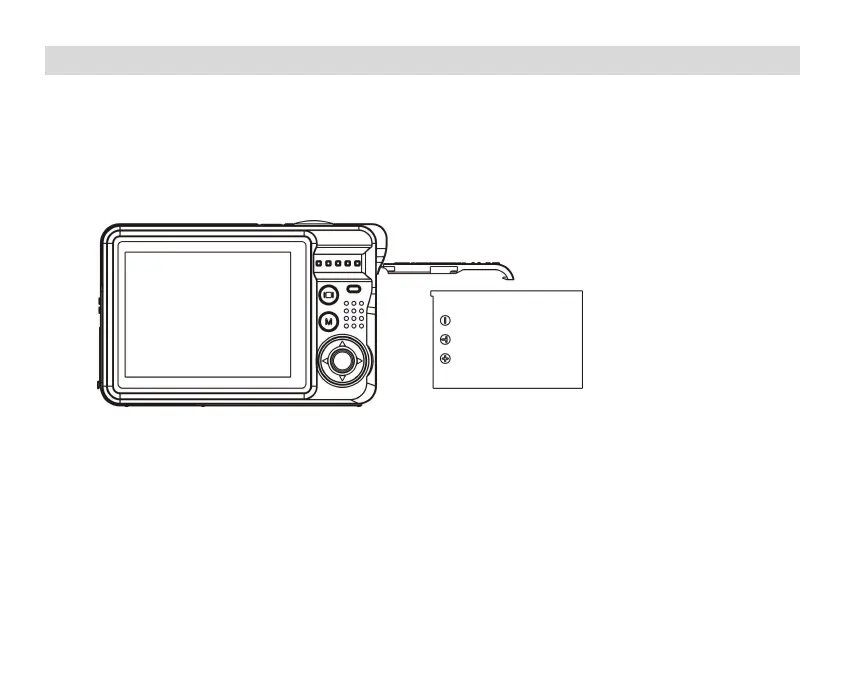
Lithium battery installation
Please install the lithium battery supplied with the camera before using it according to the
following instructions.
1.
Slide the battery cover on the right side of the camera to access the battery
compartment:
Install lithium battery
2.
Insert the lithium battery in the correct polarity direction.
3.
Then close the battery cover and slide it to lock it.
Note: Please remove the battery if you are not going to use the camera for a while.
Lithium battery charging
To recharge the lithium battery, simply connect the camera (without removing the battery)
to your computer using the USB cable provided in the box. The red LED on the back of the
9














 To Next Page