Connecting to 2 Phones
1. After successfully pairing and connecting the phone
A according to the steps of Pairing & Connecting, turn
off the Bluetooth of the phone A.
2. Turn on the Bluetooth of phone B. Then, search
“G29” and Select it to pair.
3. After successfully pairing the phone B, turn on the
Bluetooth of the phone A again to connect. If Phone A
doesn’t automatically connect the receiver, click “G29”
of the paired list to complete connecting to 2 phones.
4. After the first successful pairing, the phone and
receiver will be connected automatically in next time.
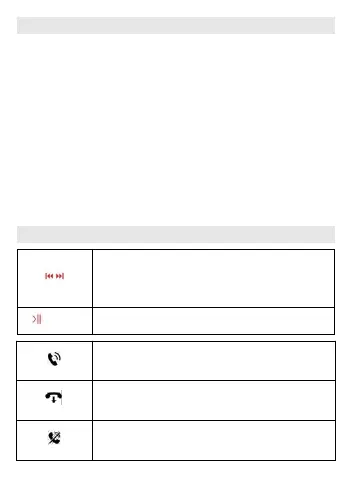
Operation
While playing music, press and hold it
to adjust the volume. Press it to switch
previous/next song.
Press it to pause/play music
Press MFB once to answer incoming
call.
In dialing or talking, press MFB once to
hang up call.
Press and hold MFB for 2s to reject
incoming call.


 To Next Page