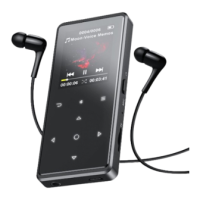
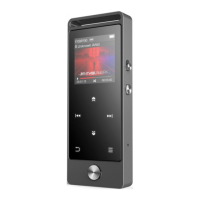
/Delete bookmark. Select according to your need.
2. Variable Speed Playback
Click button M >Variable Speed Playback to adjust speed from
-8(Slowest) to +8(Fastest ). Set the playing speed as you need.
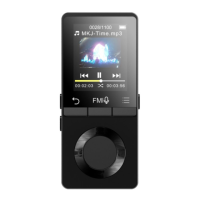
FM radio
Insert the earphone, then select FM frequency from 87.5 to
108.0MHz.
Tune to the radio station you want. Choose Start FM radio recording
to start recording the radio. Click to pause/resume. Click VOL
and choose yes to save the recording and it will back to the FM
radio interface automatically. Click button M to find the saved
recordings in FM recording.



 To Next Page