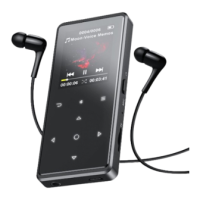
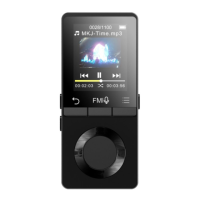
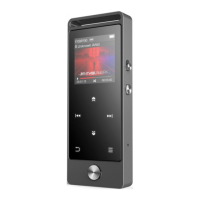
Recordings, Pictures, EBook, Video and Last Played(Now Playing)
Music
When there is a Music icon in the main interface, click button
to access to its function. The related list will show, including: All
songs, Last played, Artists, Albums, Genres, Playlists, Create Playlist.
Submenu
While it’s on music playing interface, click button M to access to
the submenu.
The related list will show, including “Home”, “Shuffle”, “Repeat”,
“Bookmarks”, “Play music from”, “Equalizer”, “Variable Speed
Playback”, “Sleep timer”, “Delete” “Add to playlist” and “Remove
from playlist”.
1. Bookmarks
Click button M >Bookmarks>Add bookmark /Go to bookmark



 To Next Page