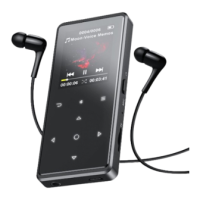
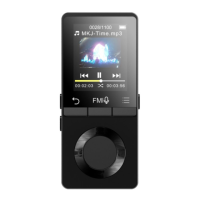
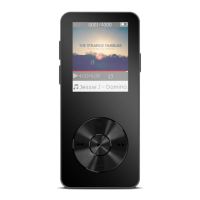
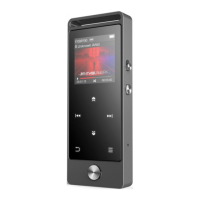
1) Slide the power switch to “Off” position.
2) Press play button “ ” for 3 seconds when the switch at “On”
position.
Screen Lock
Hold button M to lock screen, then all the buttons are useless except
for screen lock button. Press any button to light up screen, then
hold button M again to unlock screen, then you can use other
buttons.
Volumn Adjustment
Hold button VOL, then press M/VOL to increase/decrease the
volume.
Main interface
Each time you press the button / , it will bring you to one of its
9 different functions, including Music, FM radio, Folder View, Set,



 To Next Page