Note: The player will power off automatically if inactive and no
applications operate on backstage for 2 minutes.
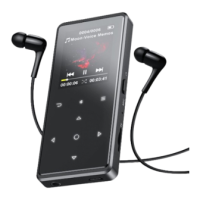
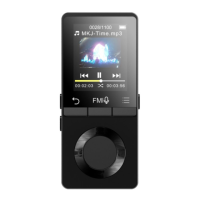
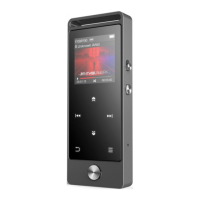
Click button +/- on the left side to increase/decrease the volume.
Each time you press the button / , it will bring you to one of
its 9 different functions, including Music, FM radio, Folder View, Set,
Recordings, Pictures, EBook, Video and Last Played(Now Playing)
When there is a Music icon in the main interface, click button
to access to its function. The related list will show, including: All
songs, Last played, Artists, Albums, Genres, Playlists, Create Playlist.


 To Next Page