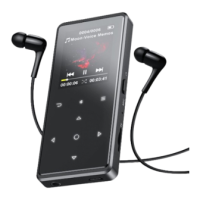
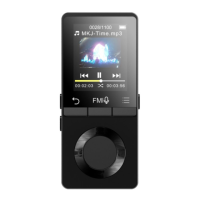
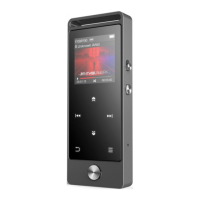
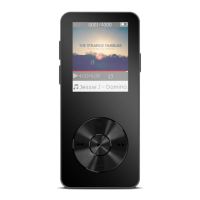
Choose from these menu, and click button to play the music.
Last played: start playing from where you left last time;
Create Playlist: all your favorite songs can be added here.
While it’s on music playing interface, hold the button / to
rewind/fast forward, short press to previous/next music file. Click
button for playing/pause.
While it’s on music playing interface, click button M to access to
The related list will show, including “Home”, “Shuffle”, “Repeat”,
“
Bookmarks
”
,
“
Play music from
”
,
“
Equalizer
”
,
“
Variable Speed
Playback”,“Sleep timer”,“Delete”“Add to playlist”and“Remove


 To Next Page