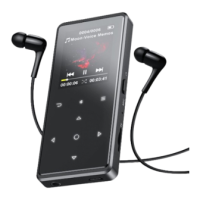
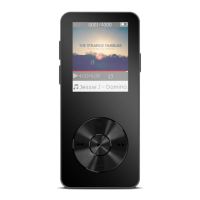
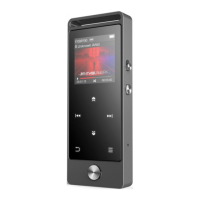
the middle button to enter it, and press to go back to main interface.
Note:
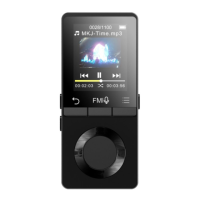
When is on main menu and there is music/radio playing/paused in the background, click
to go back to music/radio playing interface.
Plug Earphone into the jack on bottom of your device, and enter the music function the way
mentioned above. Press the two buttons on the right side of the device to adjust the volume.
Find “Music” on Home menu and press the button to access to its function.
The related list will show, including: All Songs, Now playing/Last played, Artists, Albums, Genres,
Playlists, Update playlist, Local folder and Card folder. Choose from the menu, and press the button
- “Now playing/Last played”. Take you back to the song or audio file you are playing now or
- “Update Playlist”. Update music file.
Note:
Local folder and card folder function is only available when SD card inserted.
While it’s on music playing interface, hold the button to fast forward, click to next music file;
hold the button to fast rewind, click to the previous song files. Click button to
While it’s on music playing interface, click button to access to the submenu.
The related list will show:
- "Home". Go back to main interface.
- "Play mode". Choose play mode: Shuffle, Repeat playlist, Repeat one, Play by
playlist, View playing, Playlists auto switch.
- Note: "View playing". The player would only play the first 10 seconds of a track and then skip
next one if you select option.
- "Playlists auto switch". After playing a song of a folder, the song of the next folder is
- "Equalizer". Set Equalizer.(Off, Rock, Funk, Hip hop, Jazz, Classical, Techno)
- "Lyrics display". Choose turn on or off the lyrics, off by default.


 To Next Page