EasyManua.ls Logo

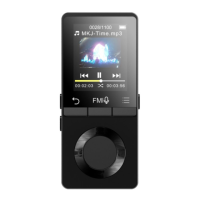
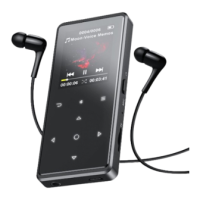
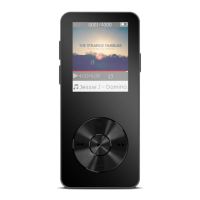
AGPtek M6 - Buttons and Controls

AGPtek M6
95 pages
Print Icon
To Next Page IconTo Next Page
To Previous Page IconTo Previous Page
Loading...
8
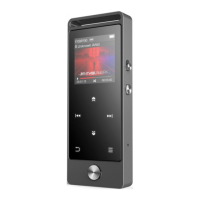
Buttons and Controls
1. Power On/Off:
Long press the power button for 3 seconds to turn on/off the player.
Short press the power button to turn on/off the screen display.
Hold down the button to lock/unlock the screen.
Short press the button to open the FM radio and long press to open the recordings.
2. Home Menu:
The Home menu is the starting point of each application. There are 9 main functions on the home
menu: Music/FM radio/Folder /Videos/Recordings/Settings/Pictures/Ebook/Tools.
3. Choose Function:
Click the button / / / to choose its 9 different functions on main interface, and click
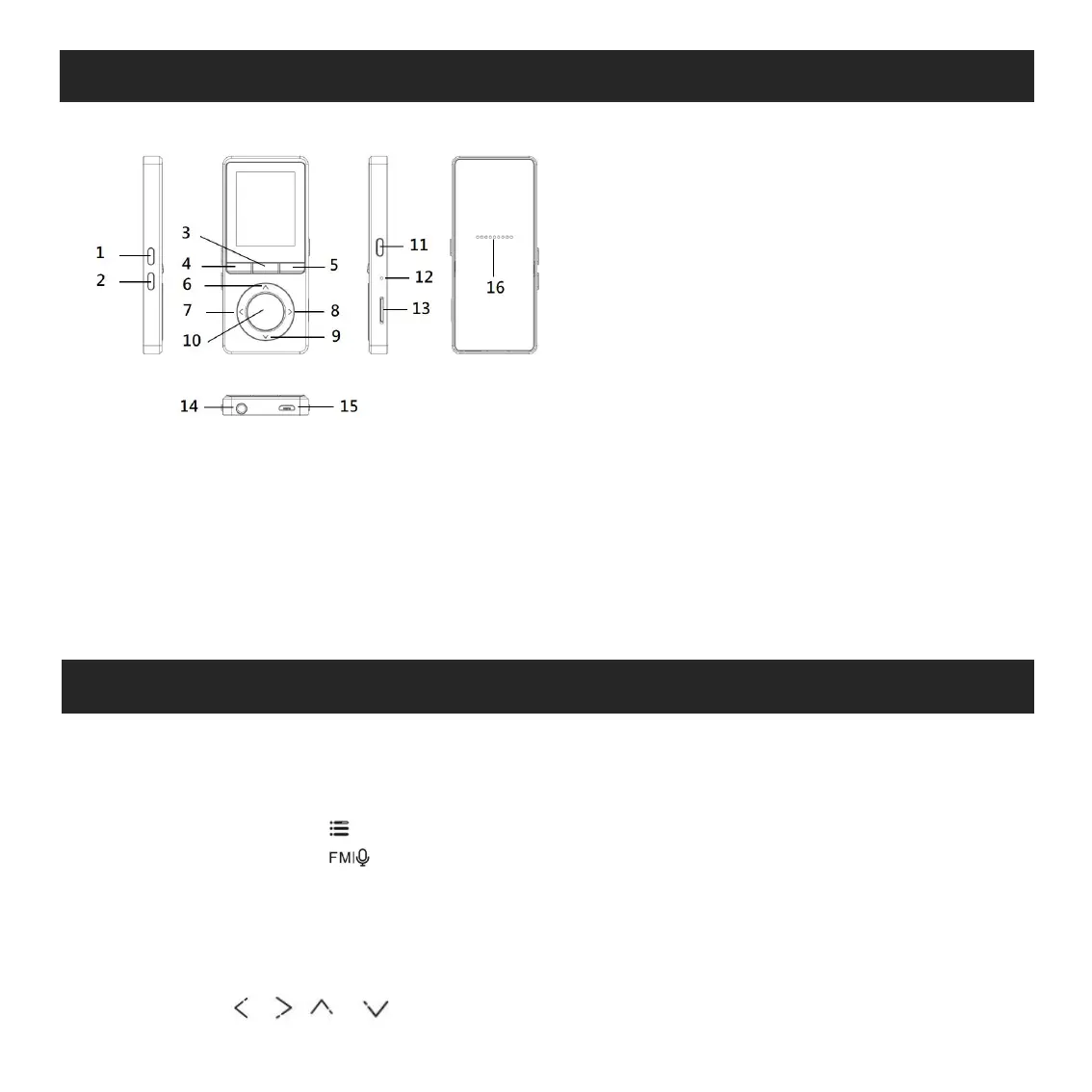
1. Increase volume
2. Decrease volume
3. FM radio/Recordings
4. Return
5. Submenu/Button Lock
6. Move up
7. Previous/Fast rewind
8. Next/Fast forward
9. Move down
10. Enter/Play/Pause
11. Power/Screen Lock
12. MIC/Reset
13. MicroSD card slot
14. Earphone jack
15. Micro USB jack
16. Built-in Speaker

Related product manuals