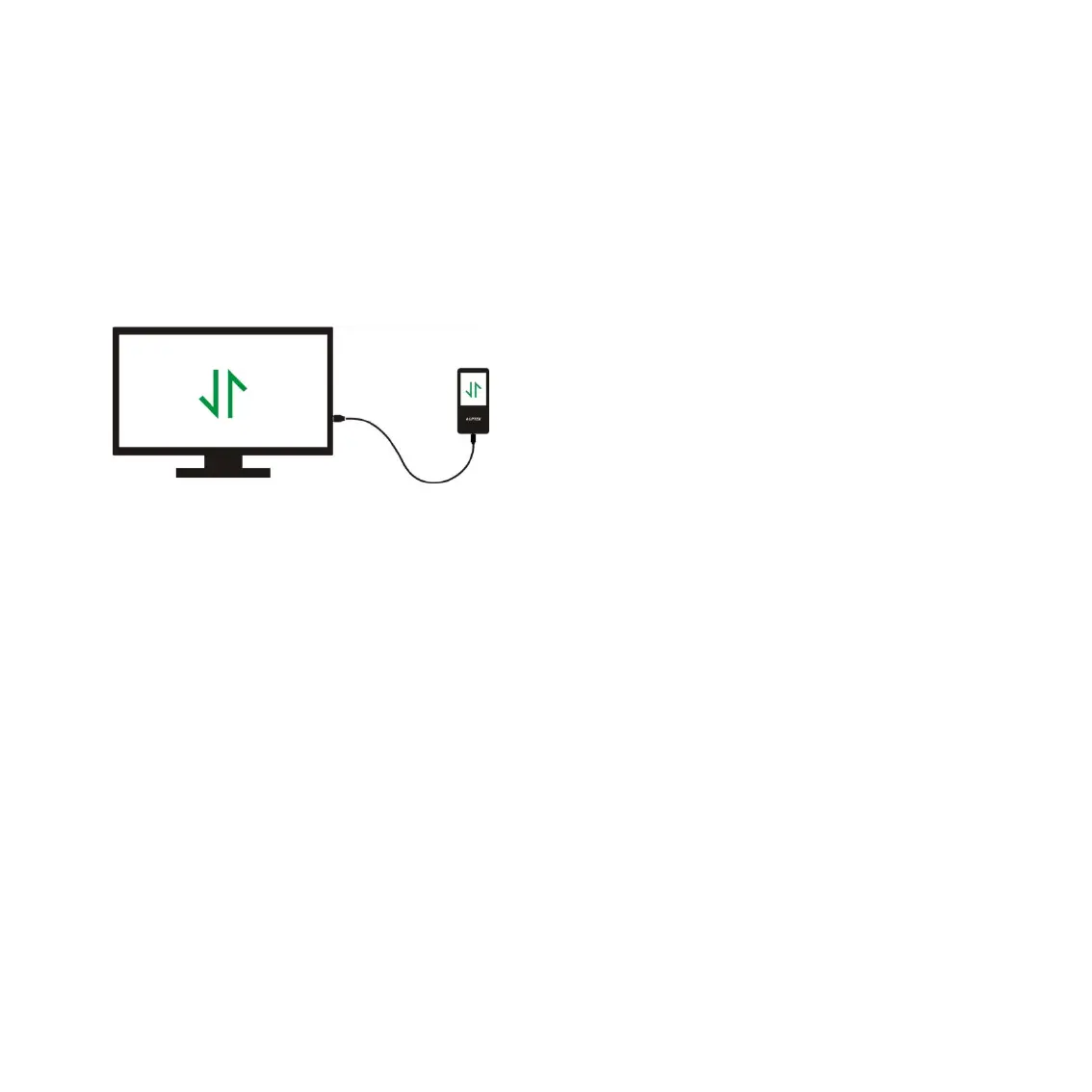
How to transfer data by computer?
1. Connect your player to your computer via USB cable properly.
2. Double click “Computer” on the desktop and find the AGPTEK-M6/M16 disk, and then double
3. Find the file or file folder you need in the computer, right click it and choose “Copy”, then in the
AGPTEK-M6/M16 disk window, right click and choose “Paste” and the files will be transferred to
the AGPTEK-M6/M16 disk. Or you can simply drag the files you need and drop them in the
AGPTEK-M6/M16 disk window.
1. During the file transferring process, do not disconnect the player from computer, or it may
cause malfunction and the file being transfer may be damaged.
2. The music files transferred to the player may be arranged in a different order which is different
Directly move the files from your computer to
the folder of AGPTEK-M6/M16.


 To Next Page