AGROSTA®100 USB
DIGITAL FIRMNESS INSTRUMENT
13 Rue du Bastringue 76440 SERQUEUX - FRANCE
lak@agrosta.org - www.agro-technology.co.uk – Tel +33 689494340
5) Make the measurements
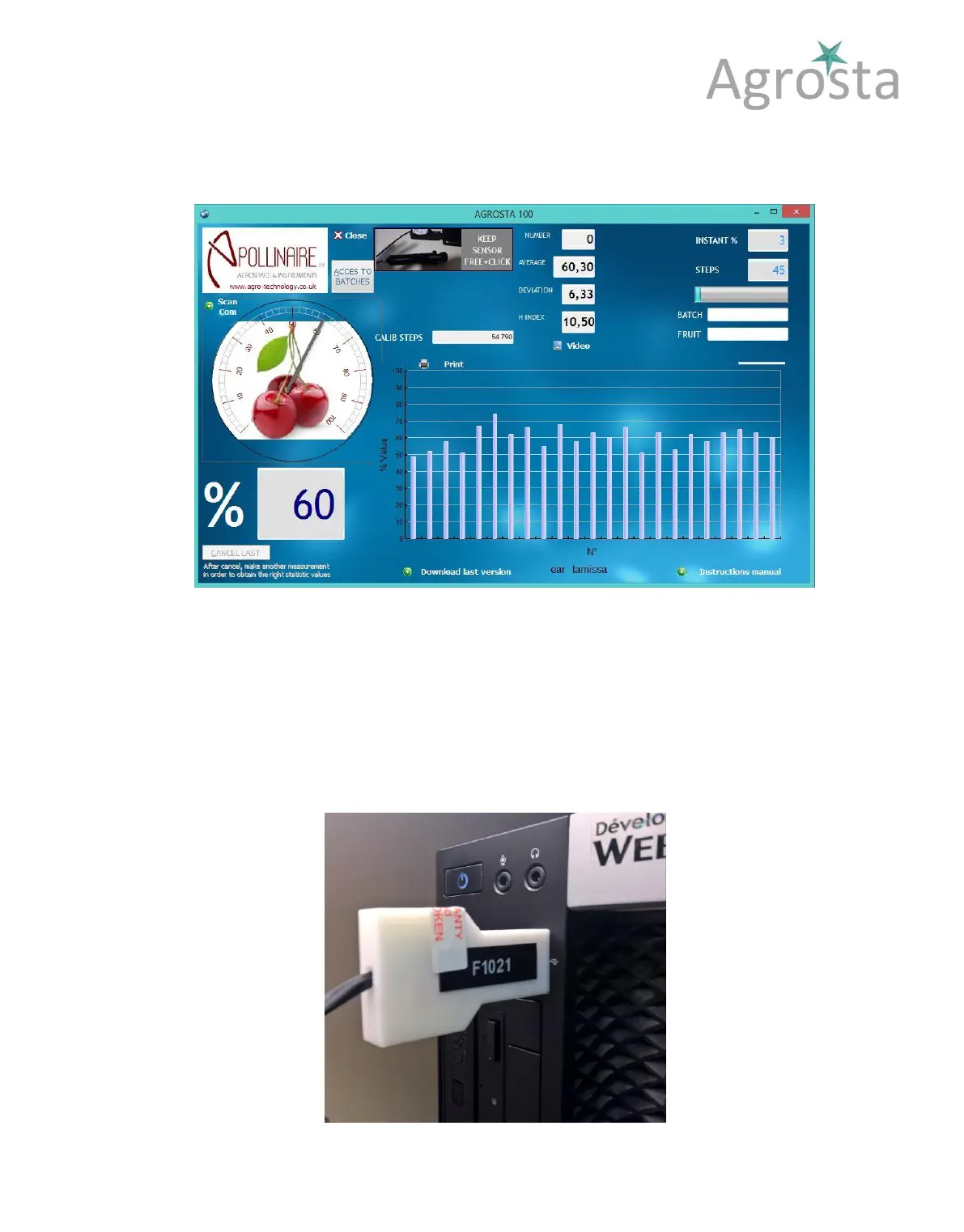
6) When the batch is finished, click on « END » - the button disappears, and a graph is
displayed
7) All data are available under Excel compatible format (.csv) in the following folder :
C:\AGROSTASAVE
8) Graphs & statistics are available in the following folder :
C:\AGROSTA
9) You can start a new batch by entering a new batch name



 To Next Page