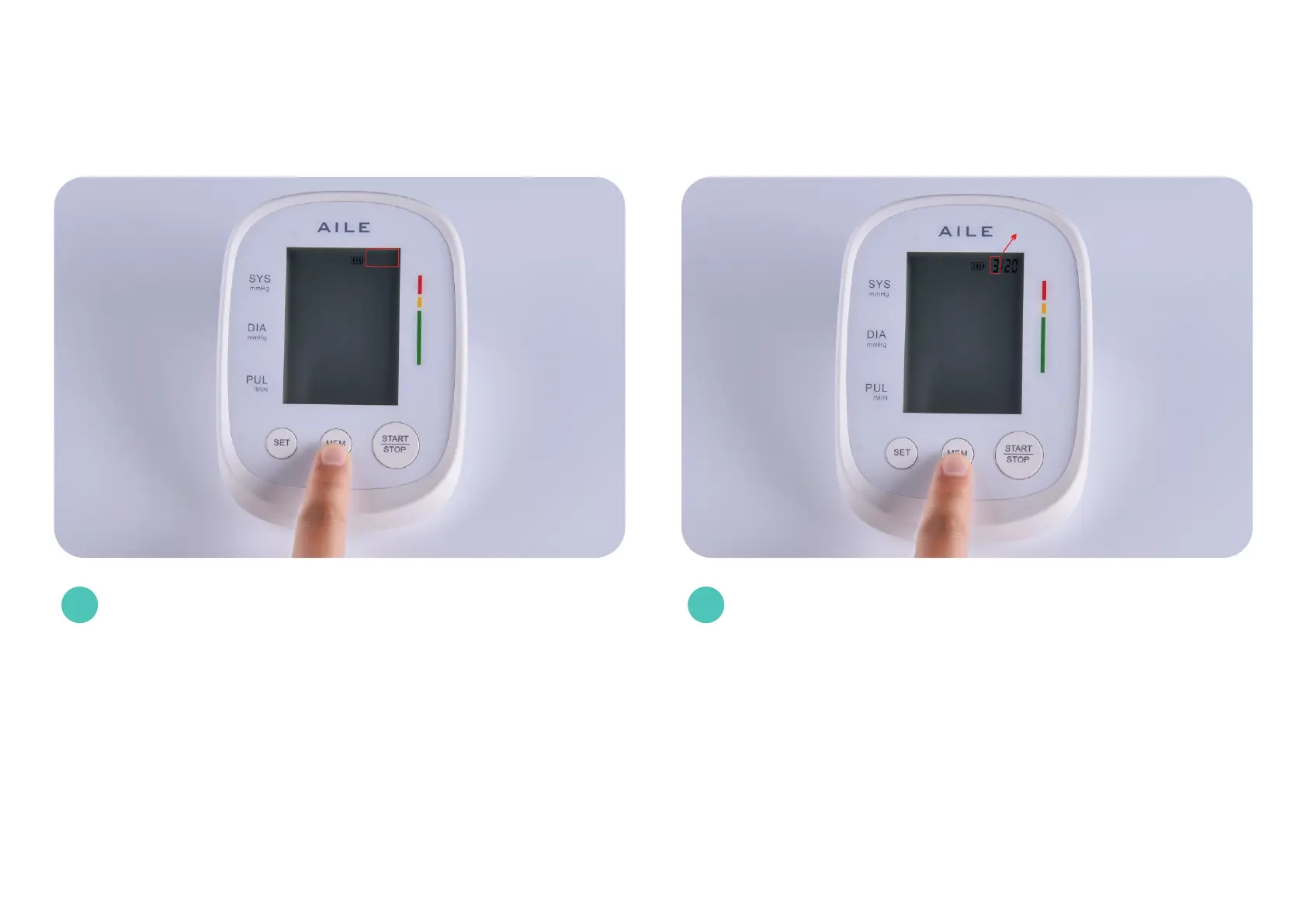
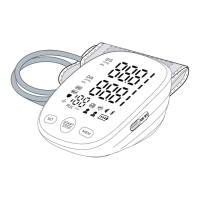
Press the "MEM" button and press the flashing 2021
to turn it into 2023 (current year)Note: If you press
MEM more than once, the number cannot be adjusted
downwards, you can reinstall the battery and start
adjusting the time again.
Press SET and the month will start flashing, then press
MEM to start adjusting to the current month.
3 4
When the year is set, press SET again to set the month
next.
When the month is set, press SET again to set the date
next.
Month


 To Next Page