22
Operation
3.4.5 Alarm list editing
The start point , end point , alarm point and attention point in the
current inspection route are displayed in the alarm list. Click the “Alarm List”
to hide and display the alarm point list.
3.4.6 Autonomous cruise
supports user-defined cruise paths, which are divided into two types
of route modes: “waypoint flight” and “block scan”.
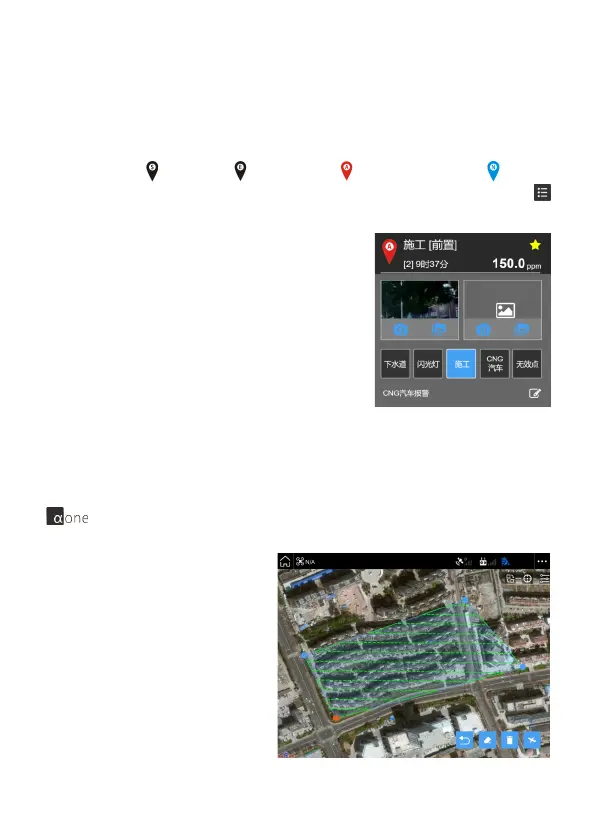
If the added point is confirmed as a serious
alarm point, the left slip is set to "star point";
if it is confirmed as invalid point, the right
slide is set to "invalid point" (invalid point will
not be generated in the inspection report) .
Click on the corresponding point item to edit,
the application will automatically locate the
corresponding position of the logo and open
the "information box", you can take photos /
add pictures, shortcut labels, text notes.
Block scan mode:
By clicking on the location of the
block on the map, long press
and drag the four corners to
select the area. The overall pa-
rameters of the route can be set.


 To Next Page
 Loading...