THE VIDEO CAMERA
13
SMARTYCAM HD
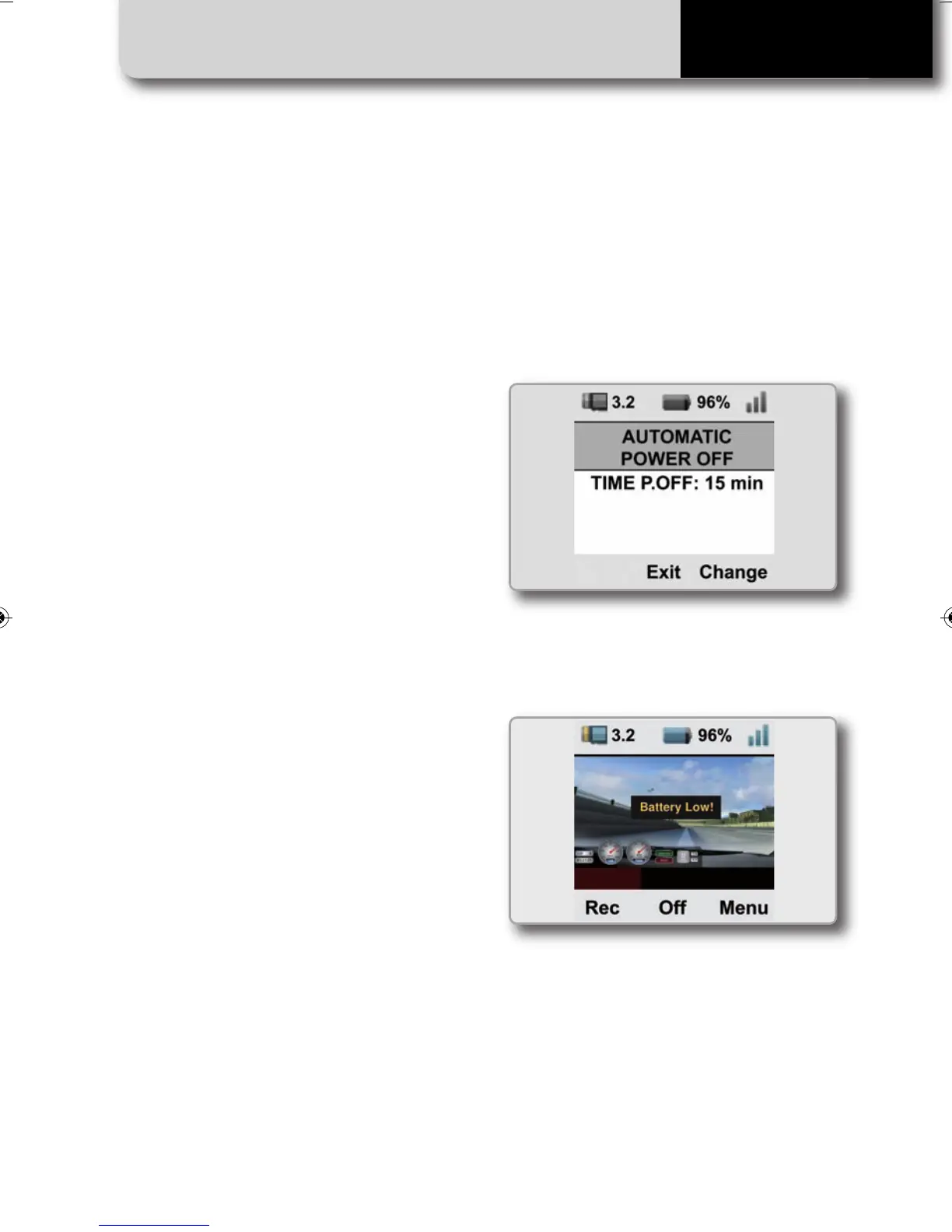
In order to turn it off push the center pu-
shbutton. SmartyCam HD can be set to
automatically turn itself OFF after a period
of no activity (from five minutes to two
hours). In order to configure this feature,
select:
MENU>>SETTINGS>> AUTO POWEROFF
and set the desired value
When the battery is too low, a warning
message appears for a few seconds on the
video.
The video file itself is closed and the
camera automatically shuts down.
SMARTYCAM HD MANUALE ENG _Layout 1 24/07/13 20.41 Pagina 14



 To Next Page