CHAPTER 2
14
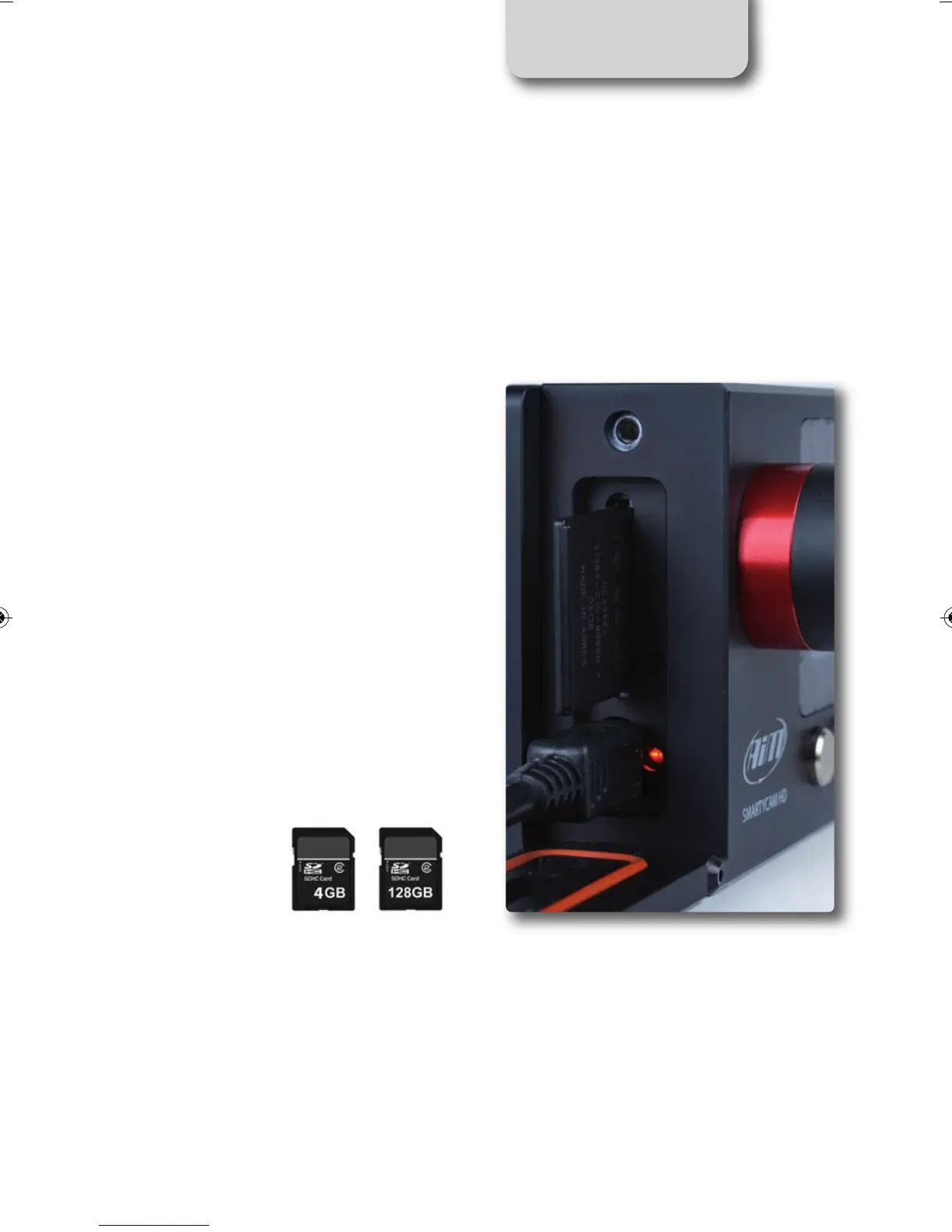
SD card insert and removal
The housing is under the lateral door (close
carefully after insertion).
A microswitch detects when you open the
door, and the video file is automatically
closed in less than one second, allowing for
safe removal of the SD card.
Recording Support
SmartyCam HD kit includes a 4 GB SD card
and can support up to 128 GB.
SMARTYCAM HD MANUALE ENG _Layout 1 24/07/13 20.41 Pagina 15



 To Next Page