n
When SmartyCam HD is connected to
an AiM CAN Network and the logger
starts recording:
SmartyCam HD starts and stop recording in
tandem with the logger, in dependence
upon the logic implemented in the logger.
All AiM loggers begin recording at speeds
higher than 10 km/h or rpm higher than a
500 rpm threshold.
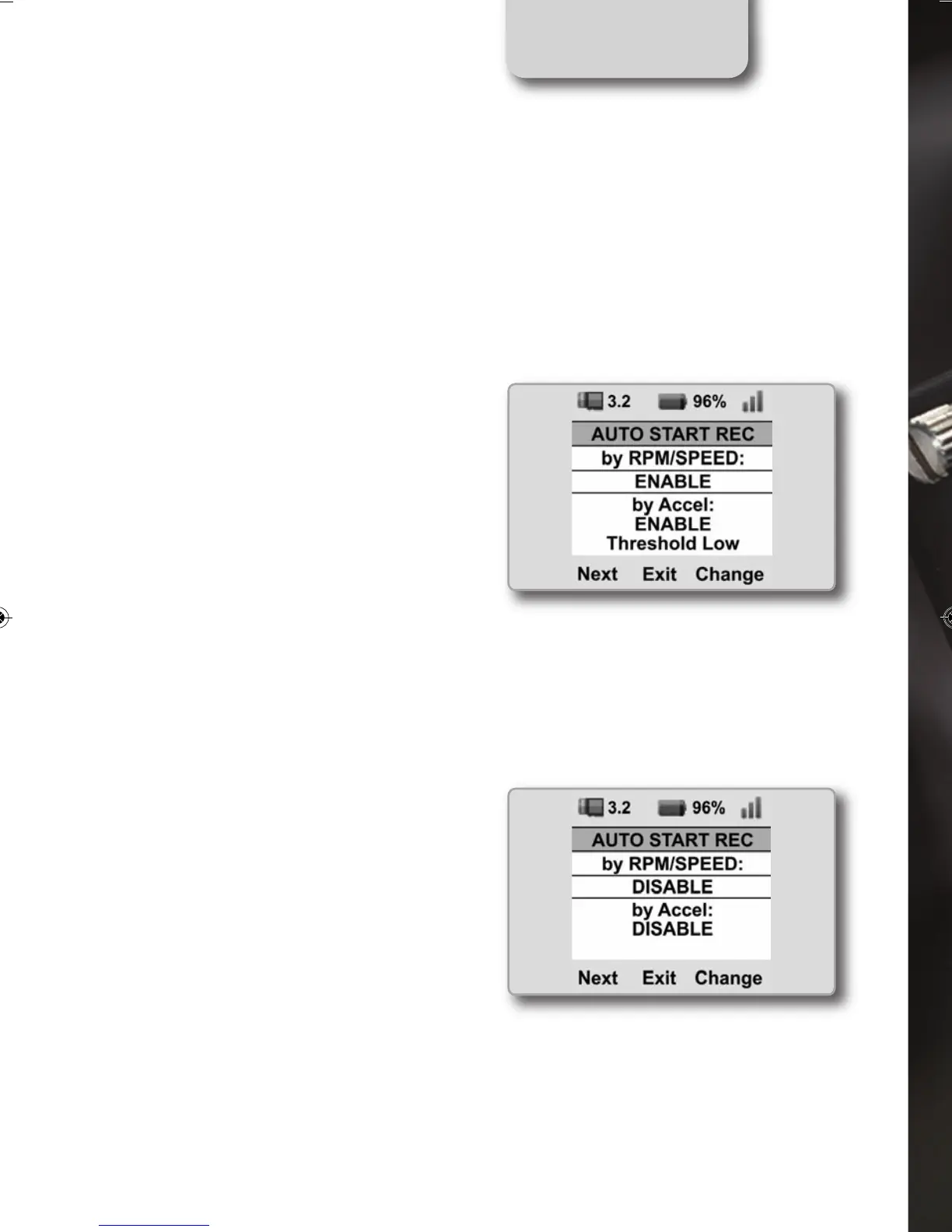
To disable the automatic start/stop video
recording from accelerometers or/and from
the logger signal, select
MENU>>SETTINGS>>AUTO START REC
>>DISABLE
CHAPTER 2
20
SMARTYCAM HD MANUALE ENG _Layout 1 24/07/13 20.41 Pagina 21



 To Next Page