THE CONFIGURATION SOFTWARE
31
SMARTYCAM HD
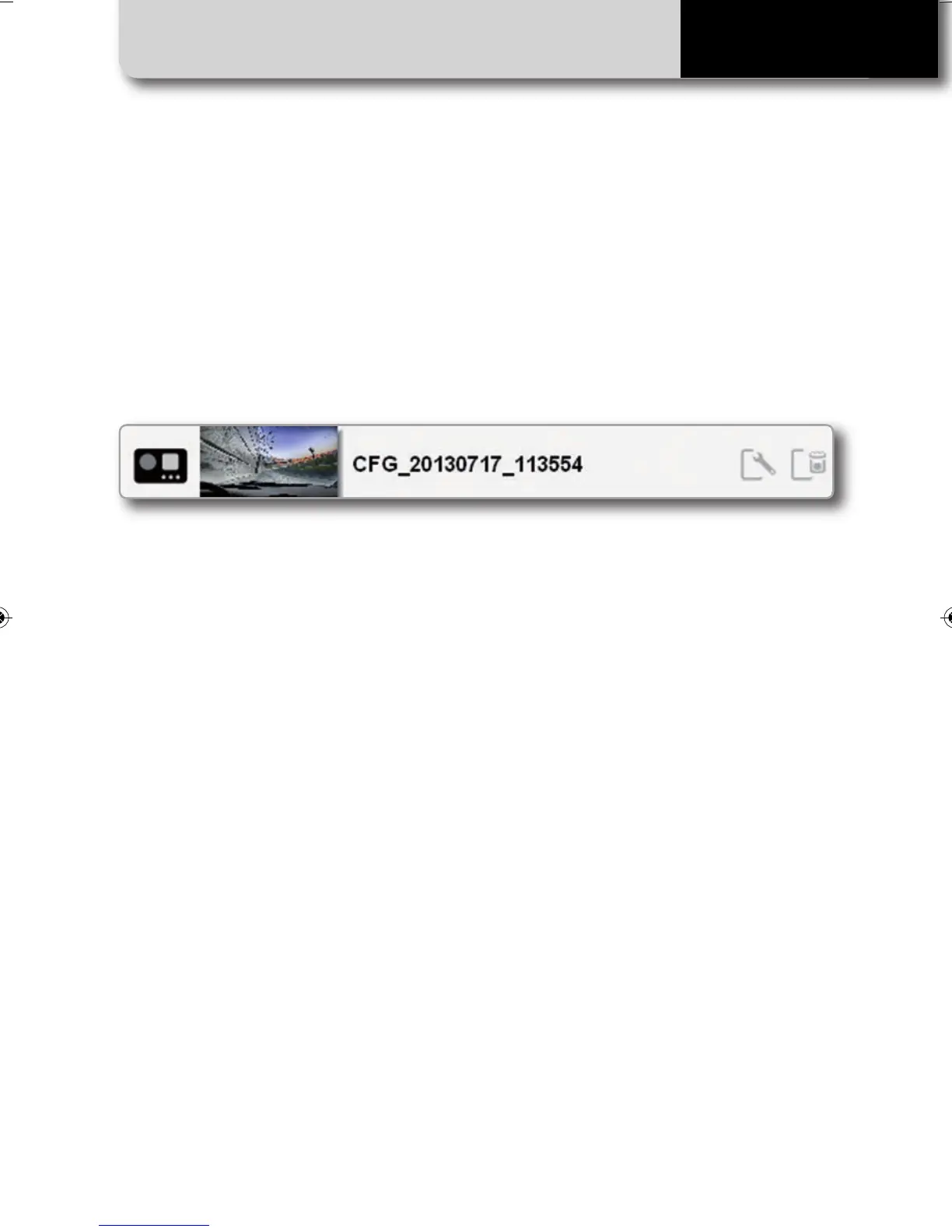
Modify or delete an existing configuration
For modifying or deleting an existing con-
figuration, select the desired configuration
to be modified and double click on it:
Transmit a configuration to SmartyCam HD
You can transmit a configuration to
Smartycam HD in two different ways:
n
Connect SmartyCam HD to the PC:
• Select the desired data overlay clicking on
it and simply drag and drop on the
SmartyCam HD Icon in the left side of the
display.
• SmartyCam will automatically select that
configuration.
n
Use SD card:
• Insert the SD card into your PC.
An Icon will appear on the left side of the
display.
• Drag and drop the desired data overlay to
the SD Card Icon.
• Insert the SD card into your SmartyCam.
• Go to “Settings / Conf. load” option and
select “Smarty Conf” following the requests.
In case you connect your SmartyCam HD to
an AiM logger, you need to configure the
logger using AiM Race Studio2 software.
then, proceed like in the creation of the
configuration.
SMARTYCAM HD MANUALE ENG _Layout 1 24/07/13 20.41 Pagina 32



 To Next Page