CHAPTER 3
30
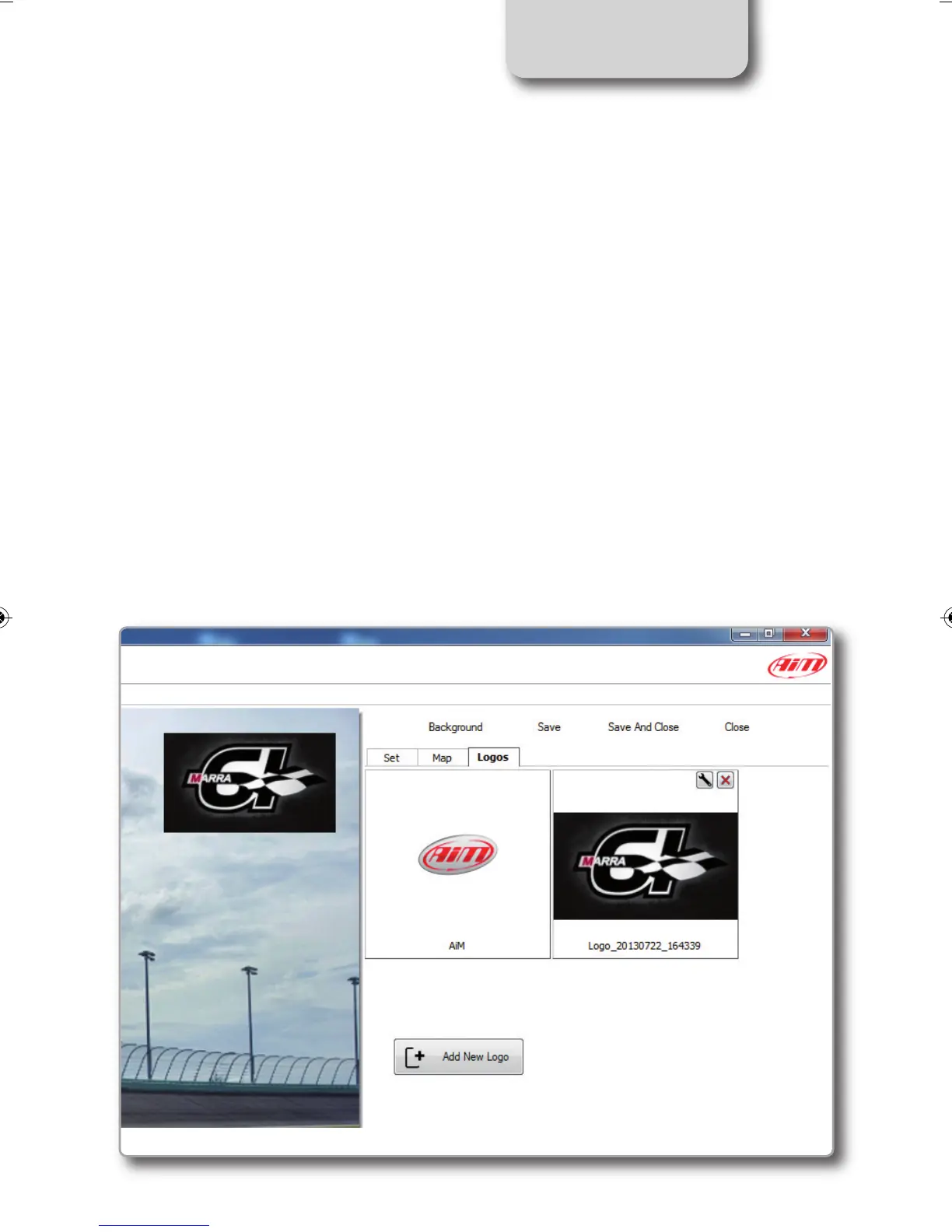
Insert a logo
“Logos” button, located at the top of the
Overlay Toolbox, lets you add, modify and
delete custom logos and images from
SmartyManager2 and thereby from
SmartyCam HD overlay.
Supported image formats are: .png, .jpg
.bmp and .tga but “.Png” format is the only
compatible with transparency effect.
Pressing “Logos”, you can choose the logo
to show as overlay.
For adding a new logo push the proper pu-
shbutton.
SMARTYCAM HD MANUALE ENG _Layout 1 24/07/13 20.41 Pagina 31



 To Next Page