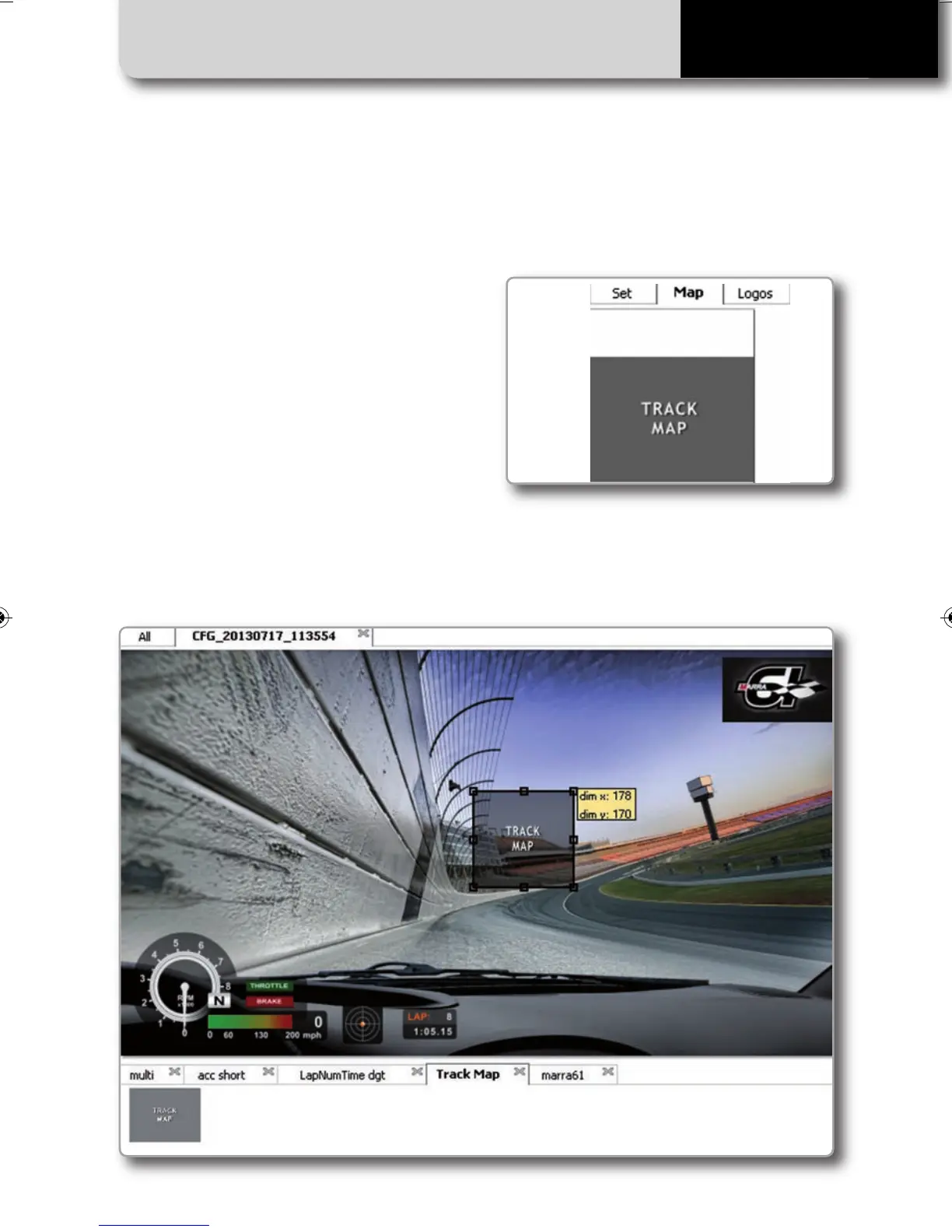
Insert track map
THE CONFIGURATION SOFTWARE
29
SMARTYCAM HD
As shown here below, in addition to “Set” la-
yers others are available to manage the
Map and the logos to be inserted in the
configuration.
After having selected the Track map object,
you can resize and move it. The track shape
will fit this area
Please, NOTE: with this feature, you ONLY
define the space where the track map will
be shown. You have then to transmit the
tracks information to your SmartyCam HD,
using the Track Manager feature, as explai-
ned in the next chapter.
SMARTYCAM HD MANUALE ENG _Layout 1 24/07/13 20.41 Pagina 30



 To Next Page