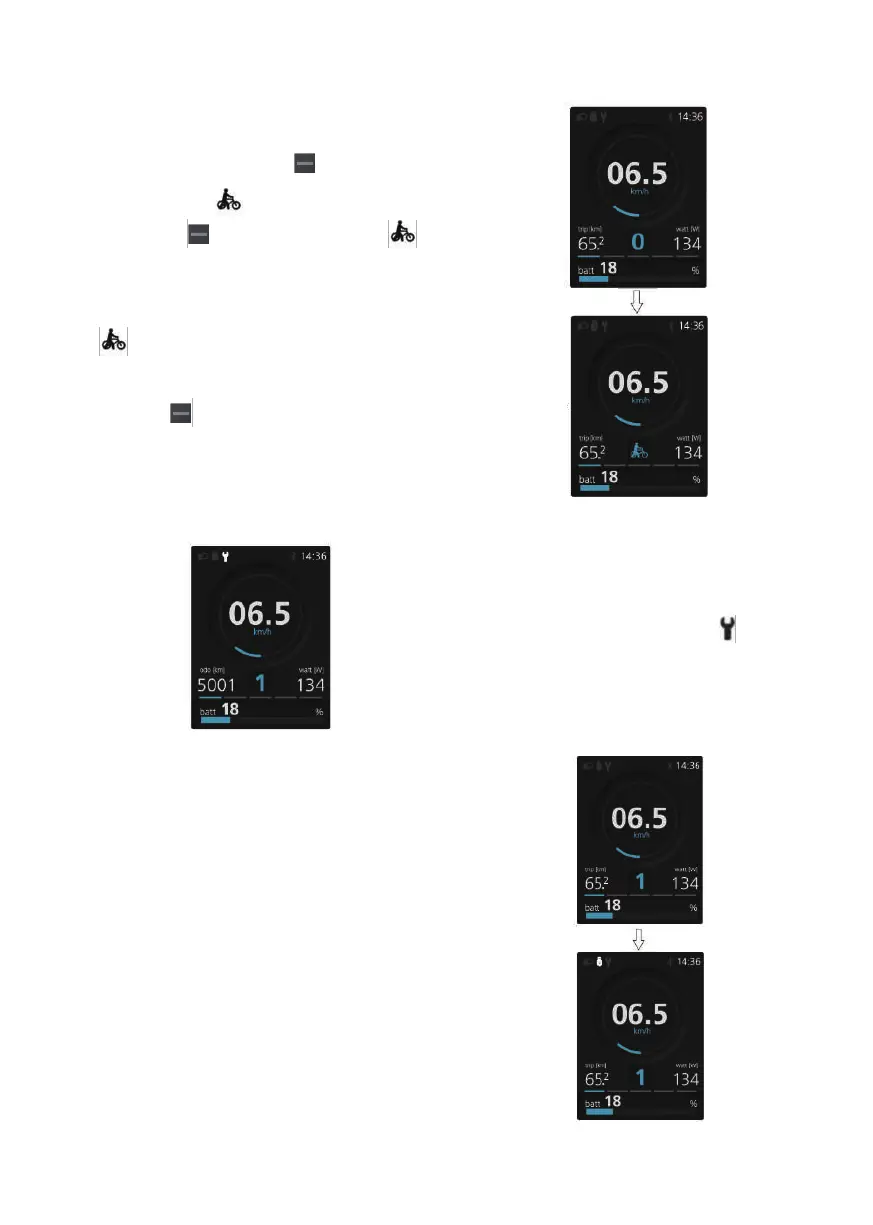
Maintanence
Displayed on the display.
Every 5000 km the icon" "is
displayed every time.This funcion
can be set in the display settings.
USB Charge Function
When the display is off,insert the
USB device to the USB charging port
on the HMI,and then turn on display
to charge.If the display is on,you
can direct charge for USB device.
the maximum charging voltage is
5V and the maximum charging
current is 500mA.
Walk Assistance
Activation: Press the button until
this symbol appears. Next hold
down the button whilst the 4444
symbol is displayed.Now the Walk
assistance will activate.The symbol
444 will flashes and the pedelec
moves approx.6 km/h.After releas-
ing the button,the motor stops
automatically and switches back to
level 0.
29



 To Next Page