If there are many Wi-Fi signals in the surrounding area or if the
signal needs to pass through walls, the wireless transmission may
be interfered.
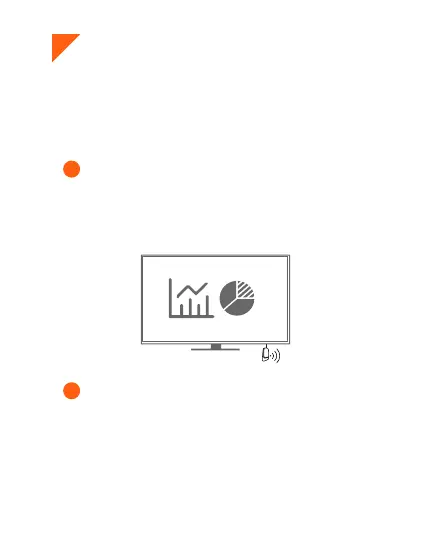
Ensure that the receiver's antenna is not obstructed by
TV. For better signal stability, please move the antenna
away from behind the TV. The fewer obstacles between
the transmitter and receiver antennas, the more stable the
signal transmission will be.
To improve your video streaming experience, we recommend
changing the Wi-Fi channel to a less congested one, please
follow these steps:
Disconnect the transmitter by single-clicking the
function button.
Go t o your phone's network settings and find the WiFi
network named "RX-AIMIBO", then enter the password:
12345678.
1
2



 To Next Page