Once the pairing is successful, an "1" icon will appear in
the upper right corner of the gray screen interface. After
waiting for 5 seconds, they will auto mirror again.
Note: If pairing takes too long, the receiver may
automatically exit pairing mode. If this occurs, please
repeat the above steps to begin the pairing process again.
4
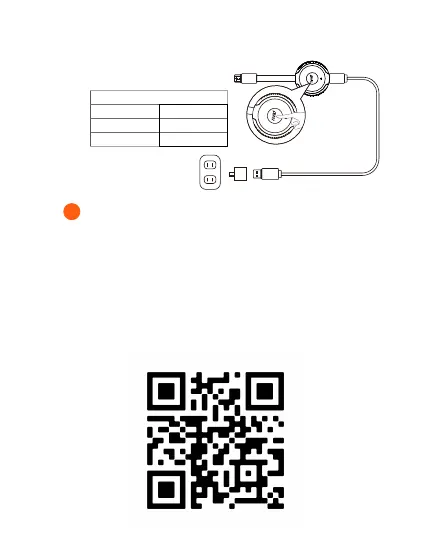
TX
Slow flash Not connected
Fast flash Pairing
Solid on Connected
appear, which indicates that the pairing process is
complete.



 To Next Page