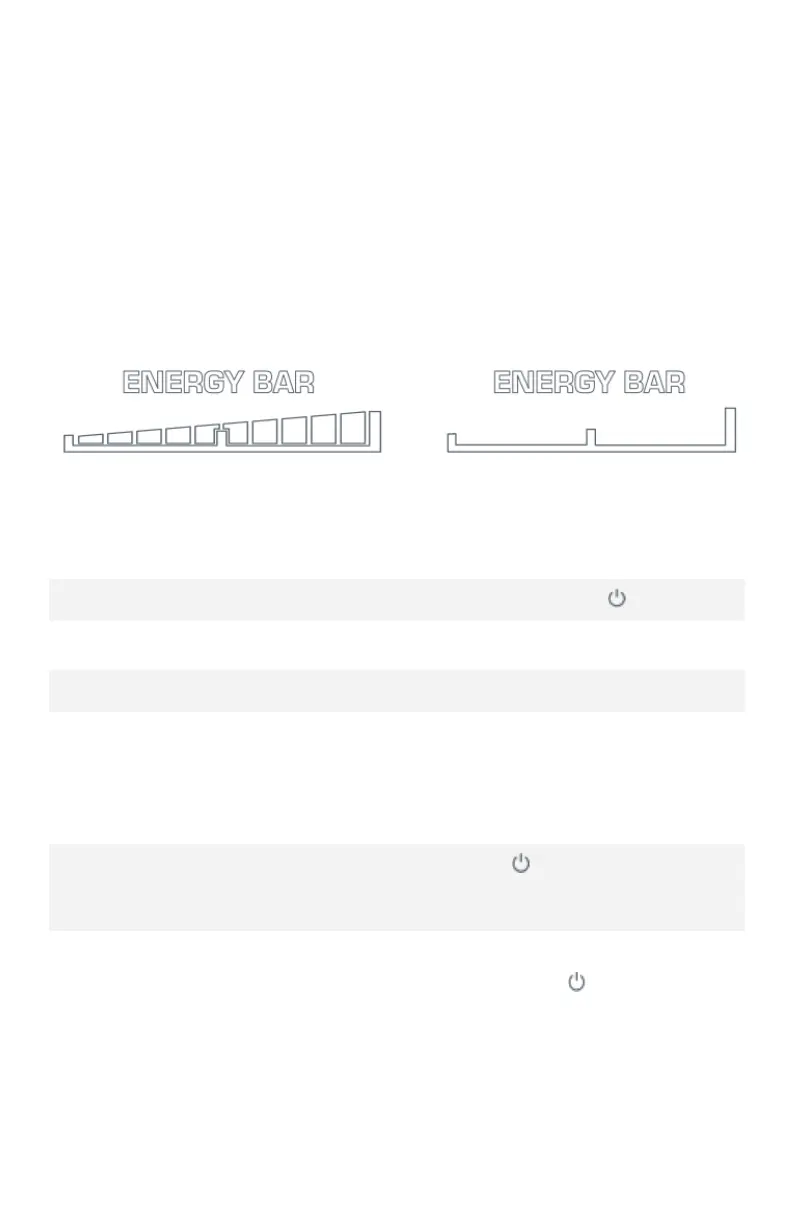
Battery Level Indicator Bar
The “Energy Bar” near the top of the display is your battery
indicator and shows the estimated charge level remaining in
your battery pack. As the battery charge depletes, the
remaining marks will display the approximate remaining
charge in the battery pack.
The battery display will flash when there is no charge remaining.
Operating Cockpit System
Turn the bicycle ON/OFF
Press and hold button
Increase PAS Level
Press plus (+) button
Decrease PAS Level
Press minus (-) button
Turn lights ON/OFF
Press and hold the plus
(+) button for about 3
seconds or until lights
turn ON; repeat to turn OFF
Toggle Odometer, TripA,
Voltage, Current, Trip Timer
(TM)
Press button
Max Speed and Average Speed
Press and hold the plus (+)
button and button
simultaneously to toggle
between the speedometer,
max speed and average
speed
NOTE: The trip meter, as well as maximum and average speed
will reset when the bicycle is powered OFF.



 To Next Page