EasyManua.ls Logo

Air Science Purair FLOW-24 - User Manual

Air Science Purair FLOW-24
25 pages
Print Icon
To Next Page IconTo Next Page
Loading...
USER OPERATION MANUAL
Air Science Manual Revision No.:
PURAIR-FLOW-SERIES.V4.2022
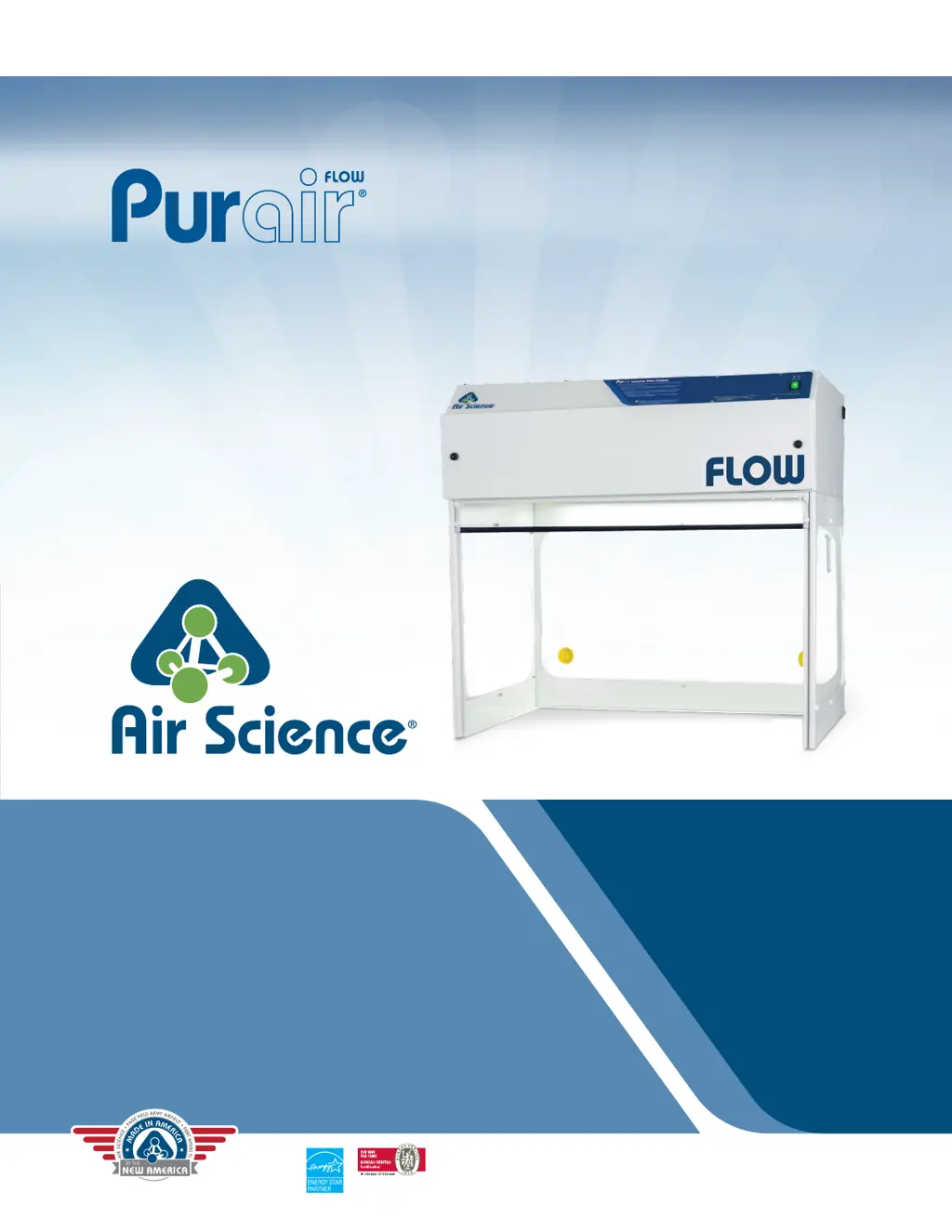
pictured: Model FLOW-36
Air Science Purair
Laminar Flow Cabinets
Specications are subject to change without notice or obligation
on the part of Air Science. For questions contact Air Science.

Questions and Answers

  • C
    Cynthia FullerAug 7, 2025
    How to troubleshoot power issues with Air Science Purair FLOW-24?
    • H
      hickslauraAug 7, 2025
      If your Air Science Laboratory Equipment cabinet isn't starting or has no power, make sure the electrical cord is properly connected and the wall socket is working. You can also try resetting the circuit breaker located on top of the unit.
  • A
    alexander78Aug 16, 2025
    Why is the airflow low or high in my Air Science Laboratory Equipment?
    • T
      Taylor RossAug 16, 2025
      If you're experiencing low or high airflow with your Air Science Laboratory Equipment, try adjusting the speed control setting as needed. If low airflow persists, the fan capacitor may be faulty and require replacement. Additionally, a faulty speed control could be the culprit; in that case, short out the control by placing a jumper wire directly across connections to the two speed control leads.
  • C
    Christopher HallAug 20, 2025
    How to reduce excessive fan noise in Air Science Laboratory Equipment?
    • J
      Jordan SmithAug 20, 2025
      If your Air Science Laboratory Equipment is making excessive fan noise, check the tightness of the set screw holding the blower wheel. Also, check the tightness of all blower and motor mounting bolts.
  • I
    iboydAug 25, 2025
    What to do if the light is always off in my Air Science Laboratory Equipment?
    • M
      Mary YoungAug 26, 2025
      If the light in your Air Science Laboratory Equipment is always off, first ensure the bulb is properly tightened. If that doesn't solve the issue, replace the bulb. If the problem persists, switch off the cabinet and check for a faulty relay.
  • K
    Karen LloydAug 29, 2025
    Why are my samples contaminated in Air Science Purair FLOW-24 Laboratory Equipment?
    • A
      Amber PetersAug 29, 2025
      If you find your samples are getting contaminated while using the Air Science Laboratory Equipment, it could be due to a filter leak. In this case, repair or replace the filters. Another potential cause is low airflow, so try readjusting the airflow setting.
  • S
    Steven JamesSep 2, 2025
    How to fix inoperative switches on Air Science Laboratory Equipment?
    • L
      larry70Sep 2, 2025
      If the switches on your Air Science Laboratory Equipment are inoperative, check if the cable from the electrical panel is properly connected to the switch.
  • P
    Patrick ReyesNov 11, 2025
    What to do if the motor is silent in my Air Science Purair FLOW-24 Laboratory Equipment?
    • T
      Thomas FernandezNov 11, 2025
      If your Air Science Laboratory Equipment motor is silent, there are several potential causes. First, switch off the cabinet and check for a blown fuse or a faulty relay. If the issue isn't either of those, short out the speed control by placing a jumper wire directly across the connections to the two speed control leads. Also, the auto-thermal cut-off may be engaged; shut off the equipment, wait 30 minutes, and then try restarting it. Other possible causes include a faulty fan capacitor (which would need to be replaced) or motor failure. To check for motor failure, disconnect the two motor leads at the motor and connect a proper AC voltage source directly to the motor. If the motor starts, the problem is in the wiring; refer to the blown fuse or faulty relay section. If the motor doesn't r...

Air Science Purair FLOW-24 Specifications

General IconGeneral
ModelPurair FLOW-24
CategoryLaboratory Equipment
TypeLaminar Flow Cabinet
Width (External)24 inches
Filter TypeHEPA
HEPA Filter Efficiency99.99% at 0.3 microns
Work Area Width22.5 inches
Electrical Requirements60Hz

Related product manuals