EasyManua.ls Logo

Air Torque AT101U - User Manual

Default Icon
53 pages
Print Icon
To Next Page IconTo Next Page
Loading...
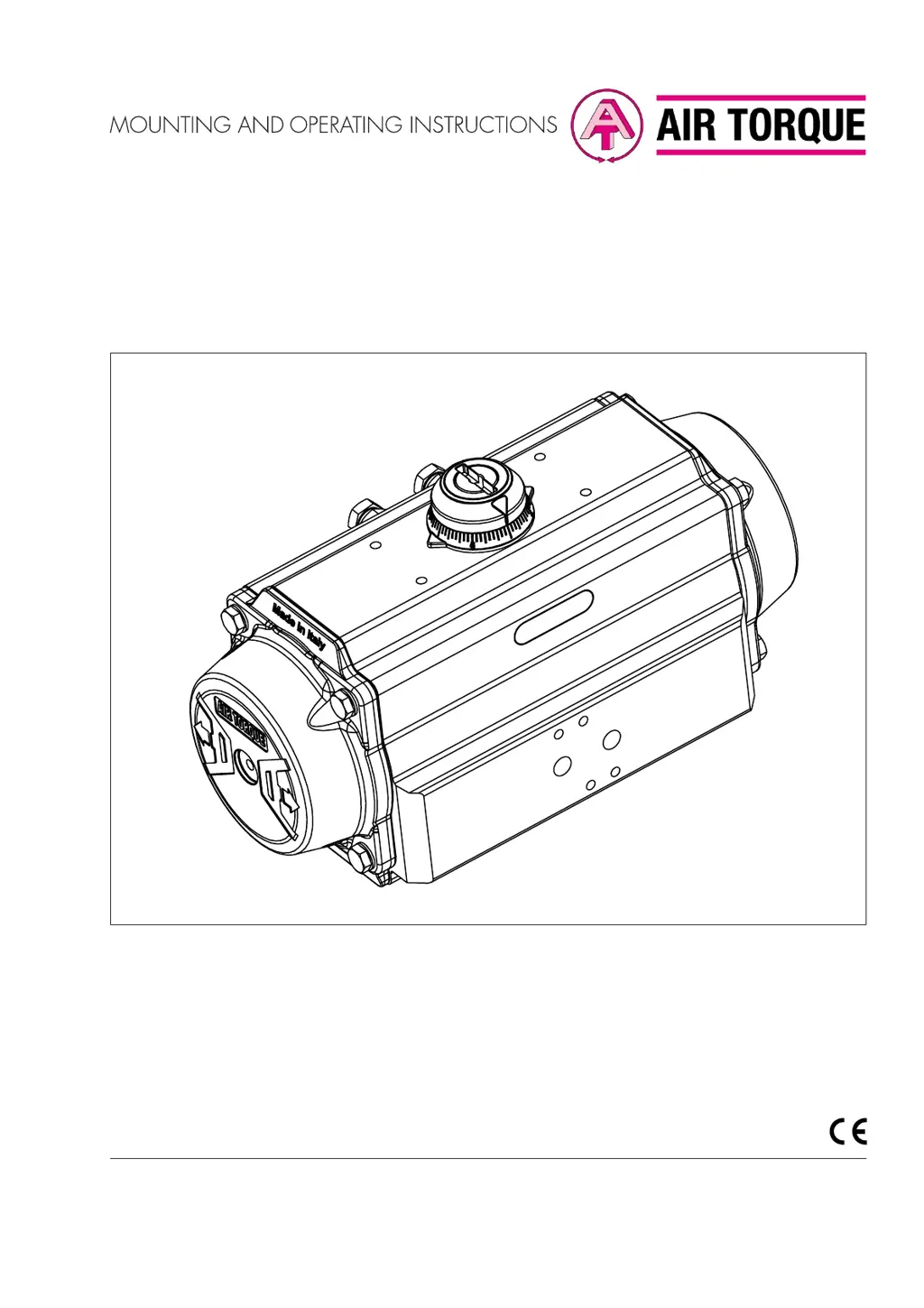
Original instructions
EB AT-RP-4GU EN
4th Generation Upgrade Series
Rack&Pinion actuators
AT045UAT801U models
Edition November 2020

Other manuals for Air Torque AT101U

Questions and Answers

  • H
    henry07Aug 8, 2025
    What to do if my Air Torque Controller loses power?
    • P
      Patrick HuffmanAug 9, 2025
      If your Air Torque Controller experiences a loss of power, first ensure that the supply pressure is correct by checking the control system. Then, inspect all tubing and fittings for blockages, compression, or sealing issues, removing any obstructions or damaged parts. Also, you should disassemble the actuator to inspect and replace any damaged seals. Check the air exhaust hole and remove any plugs or foreign objects that may be blocking it.
  • H
    heather93Aug 19, 2025
    Why is my Air Torque AT101U rotation uneven?
    • J
      Jamie OrtegaAug 19, 2025
      Uneven rotation in your Air Torque Controller can stem from several causes. Start by checking the supply system to ensure the pressure is correct. If that's not the issue, the actuator may need lubrication; disassemble it, lubricate all sliding parts, and then reassemble. Worn or damaged components can also cause this, so inspect and replace any that are faulty. Ensure the control system components are correctly assembled. If the actuator is mounted on a valve, consult the valve documentation and contact the manufacturer for assistance.
  • T
    tricia51Aug 28, 2025
    How to fix incomplete rotation of Air Torque Controller?
    • A
      anthonycantuAug 28, 2025
      Incomplete rotation of your Air Torque Controller can occur due to several reasons. First, ensure the stroke is correctly adjusted. Next, disassemble the actuator and check for any foreign objects inside. Also, incorrect assembly after maintenance can cause this issue, so disassemble and reassemble the actuator correctly. Make sure the control system components are correctly assembled. If the actuator is mounted on a valve, check the valve documentation and contact the manufacturer.

Summary

Mounting and Operating Instructions

Signal Word Definitions

DANGER

Defines hazardous situations resulting in death or serious injury.

WARNING

Defines hazardous situations resulting in death or serious injury.

Safety Instructions and Measures

Qualifications of Operating Personnel

Defines the required training and qualifications for personnel.

Warning Against Residual Hazards

Advises on preventing hazards from signal pressure, stored energy, or moving parts.

Responsibilities of the Operator

Outlines the operator's duties regarding safety and instructions.

Responsibilities of Operating Personnel

Details the operating personnel's obligations for safety compliance.

Notes on Severe Personal Injury

Details risks of severe personal injury from bursting equipment or falling loads.

Notes on Personal Injury

Covers risks from lifting, moving parts, air exhaust, springs, and illegible markings.

Notes on Property Damage

Highlights risks of actuator damage due to incorrect slings, tools, torques, or lubricants.

Design and Principle of Operation

Mounting and Assembly

Mounting the Actuator Over the Valve

Explains the procedure for attaching the actuator to the valve.

Operating the Actuator

Malfunctions and Troubleshooting

Troubleshooting Guide

Lists common malfunctions and their recommended corrective actions.

Service

Air Torque AT101U Specifications

General IconGeneral
Input Voltage24 VDC
Output Torque100 Nm
Operating Temperature-10°C to +50°C
Protection ClassIP65
Weight2.5 kg
MaterialAluminum Alloy

Related product manuals