Manual V1.00_2009_V5
17. Load flights to PC using Aircotec TN-Complete
17.1 Step 1, establish connection to PC:
Connect the cable to the Windows PC
PC with serial port:
The serial - RS232 cable is automatically detected.
PC with USB-port:
When using the USB cable (XC-TrainerEasy+ )
or the Spee
dboard-USB cable
(XC-T
rainerEasy)
please install the enclosed driver from the CD – you may also find the driver
under www.aircotec.com
.
17.2 Step 2, Install TN Complete:
Initiate the Setup process by double clicking on
SetupTNC2-6-0.exe .
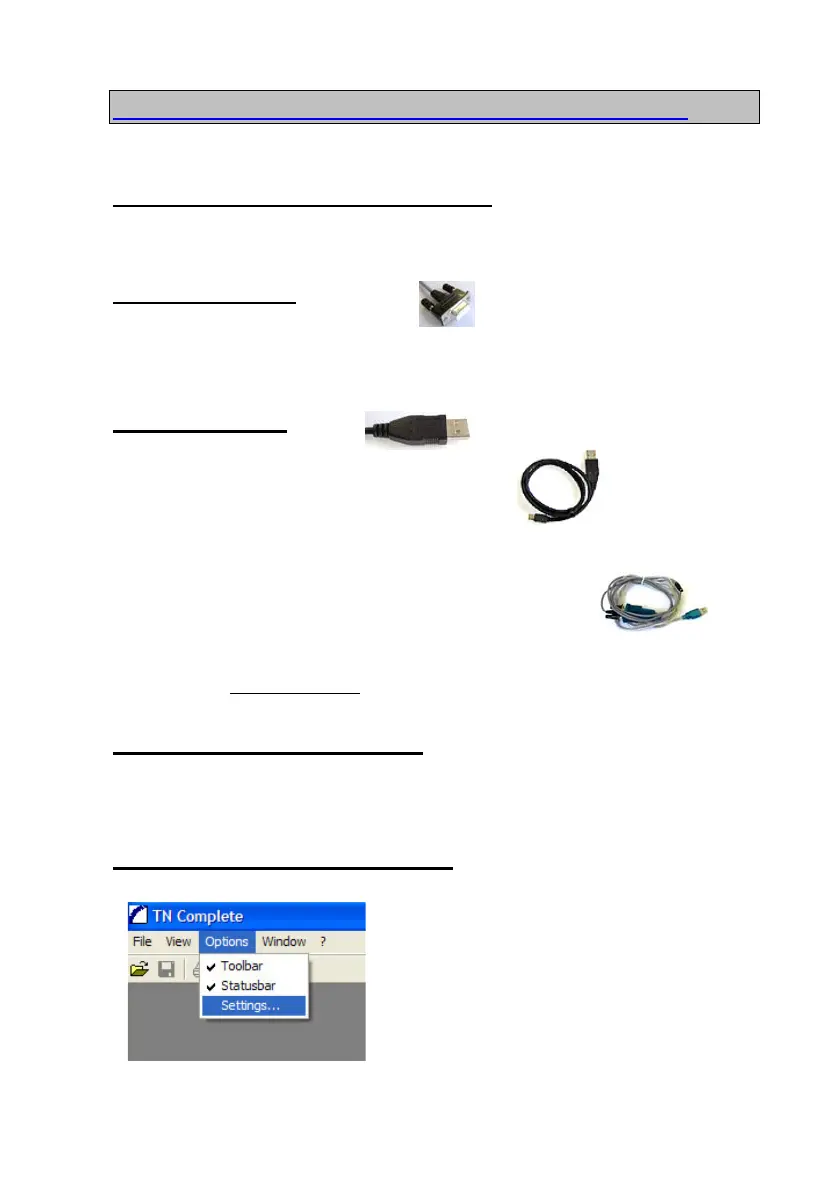
17.3 Step 3, setting up TN Complete
Use the Menu
Options-Settings to alter all
settings in TN_Complete
Page 33


 To Next Page