Installation
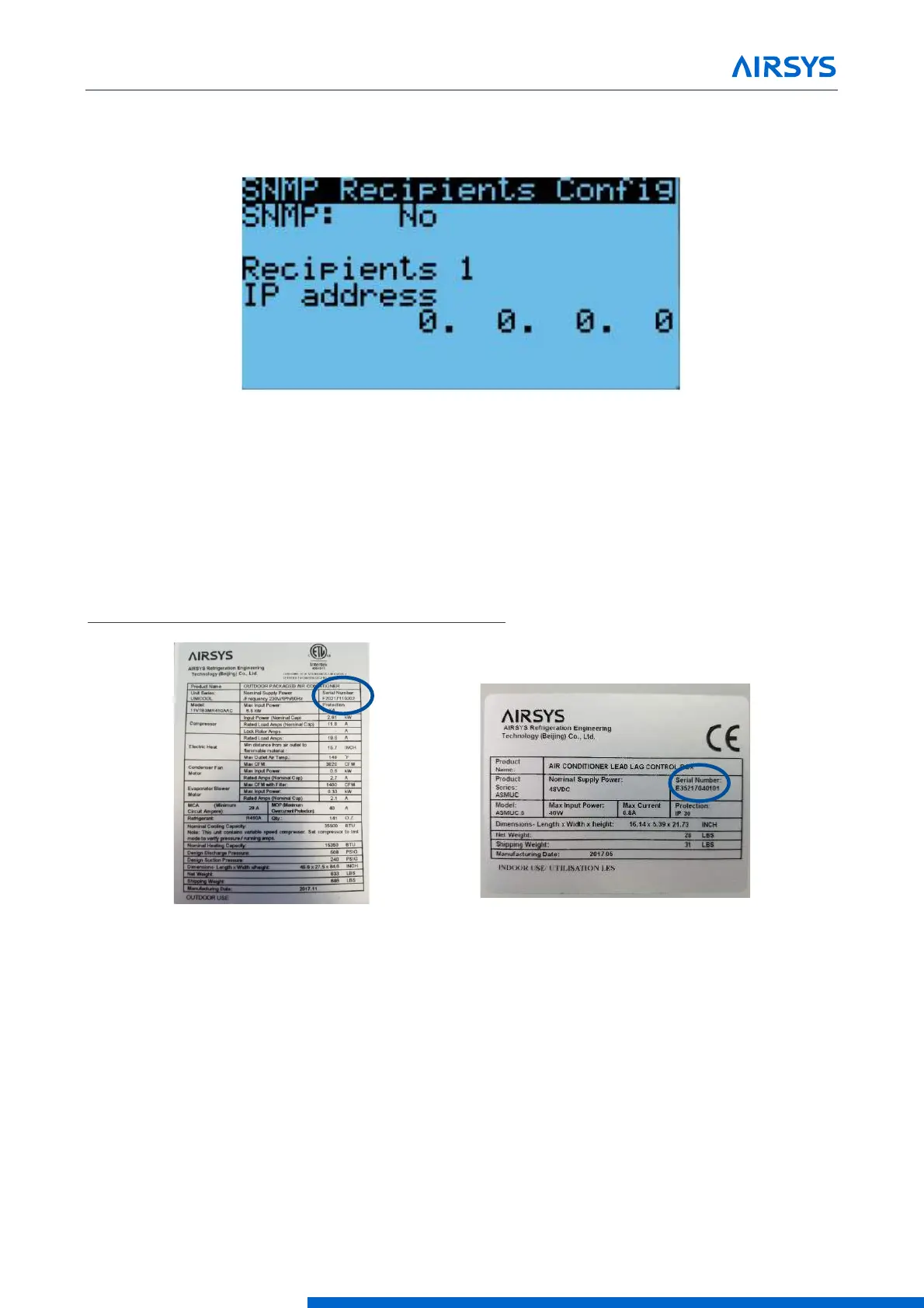
10. To add additional recipients, press Enter until the cursor is in the upper left corner and press Down to
access the IP settings for the other recipients.
11. Repeat steps 7-10 as needed. Up to 5 recipients can be added.
Figure 3-16 Enable SNMP
3.7.21 Complete the Registration Card
The information on the registration card is critical for establishing the warranty start point.
The following pictures show serial number locations for the WPU and control box. The nameplates can be
found on the outside of the WPU and on the front of the controller box. These must be recorded on the AIRSYS
Product Warranty Registration Card. The registration card can also be submitted online at
https://airsysnorthamerica.com/support/warranty-registration/.



 To Next Page